Retail & Shopping Centres
AI Video Analytics for Retail Stores & Malls
Estimate checkout queues, flag entry to stockrooms and restricted areas, and find the right incident clip fast across stores and malls, using neutral event definitions instead of shopper profiling.
Built for: Retail operations · Mall managers · Loss prevention · Facilities teams
Turn a visible event into a proportionate action.
Retail teams balance customer service, stock protection and shared-space operations. Cameras show where queues develop and when a restricted area is entered, and each event is defined neutrally and reviewed with the relevant transaction or operational context.
Retail · Use cases
Use cases for stores and malls
Map checkout areas and stockroom doors
Cameras are mapped to each store's service zones, checkout areas and stockroom doorways, so a question about the checkout area goes to the right views.
Replay yesterday's checkout peak
Ask Vision Copilot, “Find observations from the checkout area during yesterday's peak,” to review how that peak built up.
See which checkouts queue repeatedly
Ask, “Where did queue observations recur across comparable trading periods?” to compare the same checkout approaches week to week.
Plan for the next trading peak
Ask, “What should the floor manager review before the next peak?” Suggestions such as a queue-layout or staffing review come with their observations for the floor manager to decide.
Prioritise checkout, route and stockroom reviews
Scores out of 100 for checkout flow, common-route readiness and stockroom access practices show which store areas need attention first.
Retail · Vision Copilot
Ask about your store or mall in plain language
Type a question in everyday language and Vision Copilot searches the observations from your mapped cameras for that place and time.
Questions to try
- What should the floor manager review before the next peak?Example answer shown
- Find observations from the checkout area during yesterday's peak.
- Where did queue observations recur across comparable trading periods?
Question
What should the floor manager review before the next peak?
Location
Retail Site → Shopping Building → Floor → Service Zone → Checkout Area
Answer
Queue observations repeatedly cluster around one checkout approach. Suggested next step: review queue layout and staffing arrangements with the floor manager, then examine comparable trading periods.
Decision owner
Floor manager / retail operations
Retail · Location map
Your store or mall, mapped
Cameras are mapped to the selected checkout area or stockroom doorway so questions about the checkout area start from recognisable operational context.
Site
Retail Site
Building
Shopping Building
Floor
Floor
Zone
Service Zone
Room
Checkout Area
Retail · How it works
How OrionAlerts works for stores and malls
OrionAlerts maps each camera to a place, analyses its scenes over time, and sends alerts to the dashboard, mobile app and email for the team that owns that area.
- 01Map
- 02Observe
- 03Ask
- 04Prioritise
- 05Act
- 06Review
Retail · Deployment
Preparing a store or mall for a pilot
Test seasonal displays, reflections, children and groups in counting samples, using aggregate counts only. Give retailers and landlords separate access to shared-space footage.
- Mapped hierarchy for pilot checkout, common routes and stockroom areas
- Neutral event definitions without shopper-intent labelling
- Separated retailer and landlord permissions for shared-space footage
- Counting validation samples that avoid individual profiling
Retail · Standards
Standards context for stores and malls
Retail monitoring follows the site's premises and privacy requirements, plus food-safety obligations where food is handled. Cameras are placed to keep payment-card entry out of view, and card compliance stays with your payment systems.
National Building Code / premises and fire planning
Premises and fire-planning requirements apply at the building or site level under applicable codes and local rules.
Official sourceDigital Personal Data Protection Act / Rules
India's digital personal data protection framework governs purpose, access and retention for personal data, including video where applicable.
Official sourceFSSAI / food safety management context
FSSAI licensing and Schedule 4 expectations apply to applicable food businesses; ISO 22000 is a separate management-system route.
Official source
Retail · Pilot evaluation
What to measure in a store or mall pilot
Compare reviewed alerts with what actually happened, including missed events and nuisance alerts, before you set a rollout target.
Queue/count error
Difference between camera-derived queue or occupancy estimates and manual samples for the same trading window.
Source of truth: Manual counts and camera-derived estimates
Service-response acknowledgement
Acknowledgement timestamp minus delivered or available alert timestamp for reviewed service-area events.
Source of truth: Staffing records and alert acknowledgement logs
Known-incident retrieval time
Time for an authorised reviewer to locate the correct checkout or stockroom clip from a defined starting input such as time window and area.
Source of truth: Controlled review exercises
Retail · Solutions
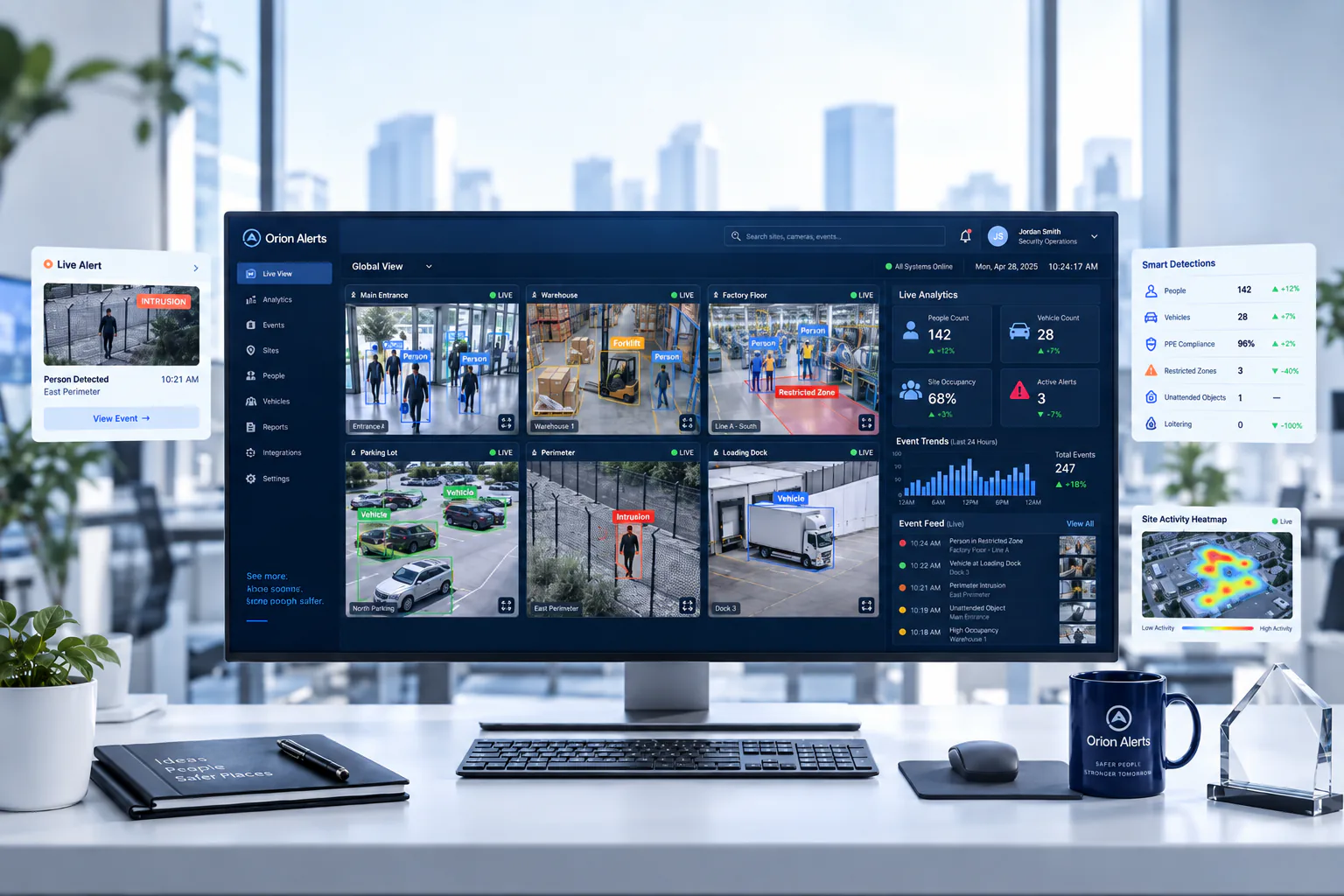
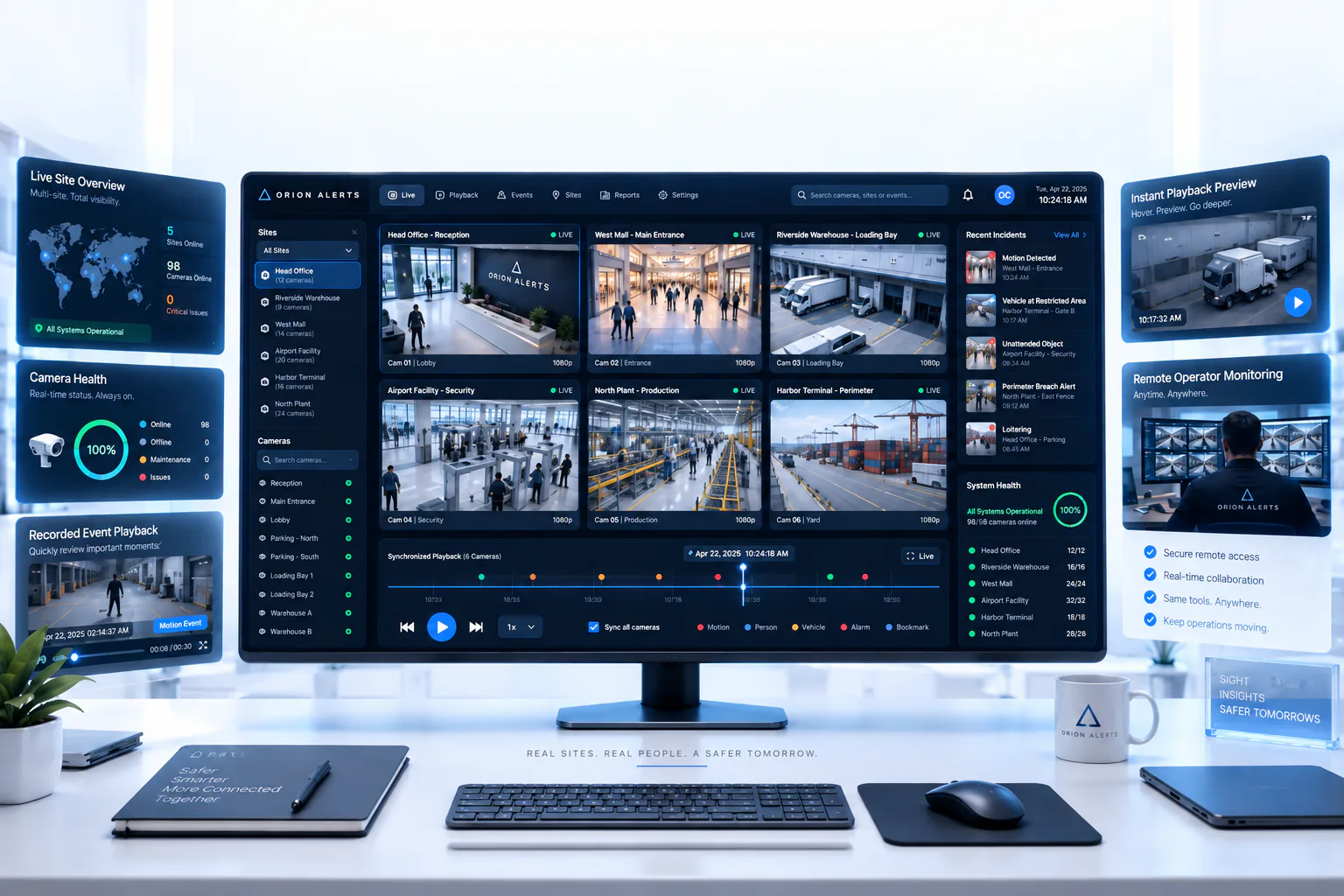
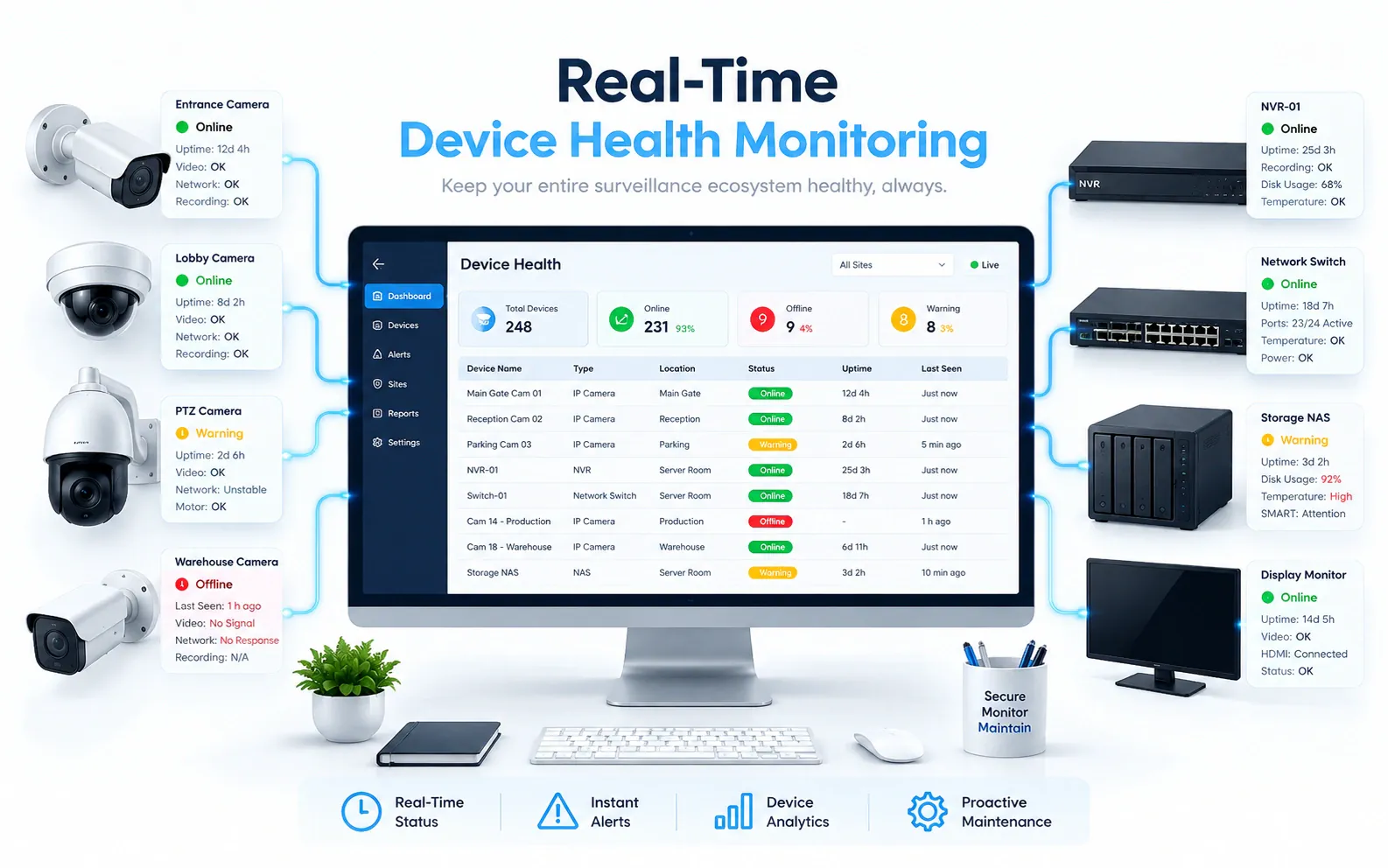
OrionAlerts solutions for stores and malls
Retail · Questions
AI video analytics for stores and malls: common questions
Can AI video analytics alert on checkout queues?
Yes. OrionAlerts estimates queue length at checkout approaches from existing cameras and can alert the floor manager on the dashboard, mobile app and email when an agreed threshold is passed. Repeated queue observations across comparable trading periods show which checkout needs a layout or staffing review, and pilots check estimates against manual counts.
Can OrionAlerts flag after-hours stockroom entry?
Yes. Entry to a stockroom or other restricted stock area outside the agreed schedule is flagged with the store, camera and clip for staff to review. Reviewers compare it with staffing and POS records, and the event stays neutral: it records what happened at the door, without labelling the person.
How do malls share CCTV between the landlord and retailers?
Shared-space footage is set up with separate permissions for the retailer and the landlord, so each reviews the areas it is responsible for. Role-based access gives operators, managers and auditors the right scope, and an authorised reviewer can retrieve a checkout or stockroom clip from a time window and area.
Can AI identify shoplifters?
No. OrionAlerts flags specific observable events, such as entry to a restricted stock area, for staff to review with transaction records and human judgement. It does not label people as shoplifters or infer criminal intent from appearance or movement, and every event is defined neutrally before it is used in a store review.
Can footage be linked to a receipt?
Only with a verified integration: linking footage to a receipt needs a verified POS, time and location integration, scoped as a separate project. Until then, staff find the clip by checkout area and time window and compare it with the POS record themselves, and cameras stay positioned away from payment-card entry.
Are customer demographics required?
No. Queue and occupancy use cases work on aggregate counts, so no demographic profiling is needed. Counting validation uses manual samples of the same trading window, including children and groups, and avoids profiling individual shoppers. Events stay neutral, such as a queue building at a checkout approach.
Can we use our existing CCTV cameras?
Yes, in most cases: OrionAlerts connects to compatible IP cameras and recorders through ONVIF, RTSP and vendor SDKs, so working hardware can usually stay in place. A short assessment checks camera position, image quality and network access for each use case, and confirms compatibility model by model before the pilot starts.
Where is the video stored, and who can see it?
On site: video and AI inference stay on the on-site node, while Orion Cloud syncs alerts, health status and configuration metadata for central management. Role-based access means each user sees only the sites, cameras and functions in their scope, and retention is set per camera, zone or site to follow your own policy.
Retail · Further reading
Further reading for store or mall teams
Retail · Related
Industries related to stores and malls
Ask Vision Copilot about your store or mall.
See checkout queues, stockroom entry and incident clips for every store and mall in one place.