Dark Stores & Micro-Fulfilment
AI Video Analytics for Dark Stores
Spot aisle obstructions and dispatch-handoff congestion in a compact store, and pull the right clip fast when an order is disputed. Alerts go to the store manager, who can act during the same peak.
Built for: Dark-store operators · Store managers · Loss prevention · Network operations
Make compact operating spaces easier to manage.
Dark stores combine dense storage, frequent picking and rapid dispatch in limited space, so a short-lived obstruction or unclear handoff is easy to miss during a busy period. Camera views at the handoff point and the busiest aisles show the store manager what happened in each space, with the focus on aisles, stock areas and process rather than individual pickers.
A reference deployment covers the dispatch handoff point, high-traffic aisles and any restricted stock area, typically on the store's existing small-site network. Retention stays short and tied to the stated business purpose, and obstruction and handoff alerts go to the store manager, who can act in time. Where an order-management or dispatch system is available, align review timestamps with its handoff records.
Dark Stores · Use cases
Use cases for dark stores
Start from the handoff area
Cameras map to the dispatch zone, handoff area, aisles and stock rooms, so questions start from a place the store manager knows.
Search today's peak at the handoff point
Ask Vision Copilot, “Show observations from the dispatch handoff area during today's peak,” to see what happened while orders queued.
Find aisles that keep getting blocked
Ask which aisles had repeated obstruction observations, for example where temporary order staging keeps spilling into the same walkway.
Fix staging before tomorrow's peak
Ask what the store manager should change or inspect before tomorrow's peak. A typical suggestion is a dedicated staging position near dispatch and a clearer handoff arrangement.
Score aisles and handoffs, not pickers
0–100 scores compare areas within the store across comparable peak windows, so the manager sees which aisle or handoff point needs attention.
Dark Stores · Vision Copilot
Ask about your dark store in plain language
Type a question in everyday language and Vision Copilot searches the observations from your mapped cameras for that place and time.
Questions to try
- What should this store manager change or inspect before tomorrow's peak?Example answer shown
- Show observations from the dispatch handoff area during today's peak.
- Which aisles had repeated obstruction observations?
Question
What should this store manager change or inspect before tomorrow's peak?
Location
Local Site → Store Building → Ground Level → Dispatch Zone → Handoff Area
Answer
Temporary order staging repeatedly occupies the same compact aisle near dispatch. Suggested next step: review a dedicated staging position and the handoff arrangement with the store manager.
Decision owner
Store manager / operations
Dark Stores · Location map
Your dark store, mapped
Cameras are mapped to the selected dispatch handoff area or aisle so questions about the handoff area start from recognisable operational context.
Site
Local Site
Building
Store Building
Floor
Ground Level
Zone
Dispatch Zone
Room
Handoff Area
Dark Stores · How it works
How OrionAlerts works for dark stores
OrionAlerts maps each camera to a place, analyses its scenes over time, and sends alerts to the dashboard, mobile app and email for the team that owns that area.
- 01Map
- 02Observe
- 03Ask
- 04Prioritise
- 05Act
- 06Review
Dark Stores · Deployment
Preparing a dark store for a pilot
Test camera occlusion from shelves and staff at peak periods. Keep the field of view to the business purpose and plan short, justified retention.
- Mapped hierarchy for pilot aisles, stock areas and dispatch handoff zones
- Agreed response owners for obstruction, access and handoff events
- Field-of-view and retention plan limited to the stated business purpose
- Representative testing across peak picking periods and shelf occlusion
- Alert routing to the store manager, not only network operations, so time-sensitive handoff and obstruction events reach someone who can act during the same peak
Dark Stores · Standards
Standards context for dark stores
Dark stores that store or distribute food assess their applicable Food Safety and Standards Authority of India (FSSAI) obligations, alongside premises safety and data-privacy duties for in-store cameras. Purpose-limited views and short retention are part of that privacy assessment.
FSSAI / food safety management context
FSSAI licensing and Schedule 4 expectations apply to applicable food businesses; ISO 22000 is a separate management-system route.
Official sourceNational Building Code / premises and fire planning
Premises and fire-planning requirements apply at the building or site level under applicable codes and local rules.
Official sourceDigital Personal Data Protection Act / Rules
India's digital personal data protection framework governs purpose, access and retention for personal data, including video where applicable.
Official source
Dark Stores · Pilot evaluation
What to measure in a dark store pilot
Compare reviewed alerts with what actually happened, including missed events and nuisance alerts, before you set a rollout target.
Reviewed aisle-obstruction minutes
Confirmed relevant aisle-obstruction duration for defined walkways during comparable peak windows, using an agreed review rubric.
Source of truth: Local observations and labelled review samples
Dispatch-area occupancy duration
Camera-derived presence duration at the selected handoff area compared with local observations for the same peak window.
Source of truth: Local observations and timed review samples
Usable-clip retrieval rate
Share of requested known-incident reviews for which an authorised reviewer retrieved usable footage within the agreed time.
Source of truth: Timed review samples and recording logs
Dark Stores · Solutions
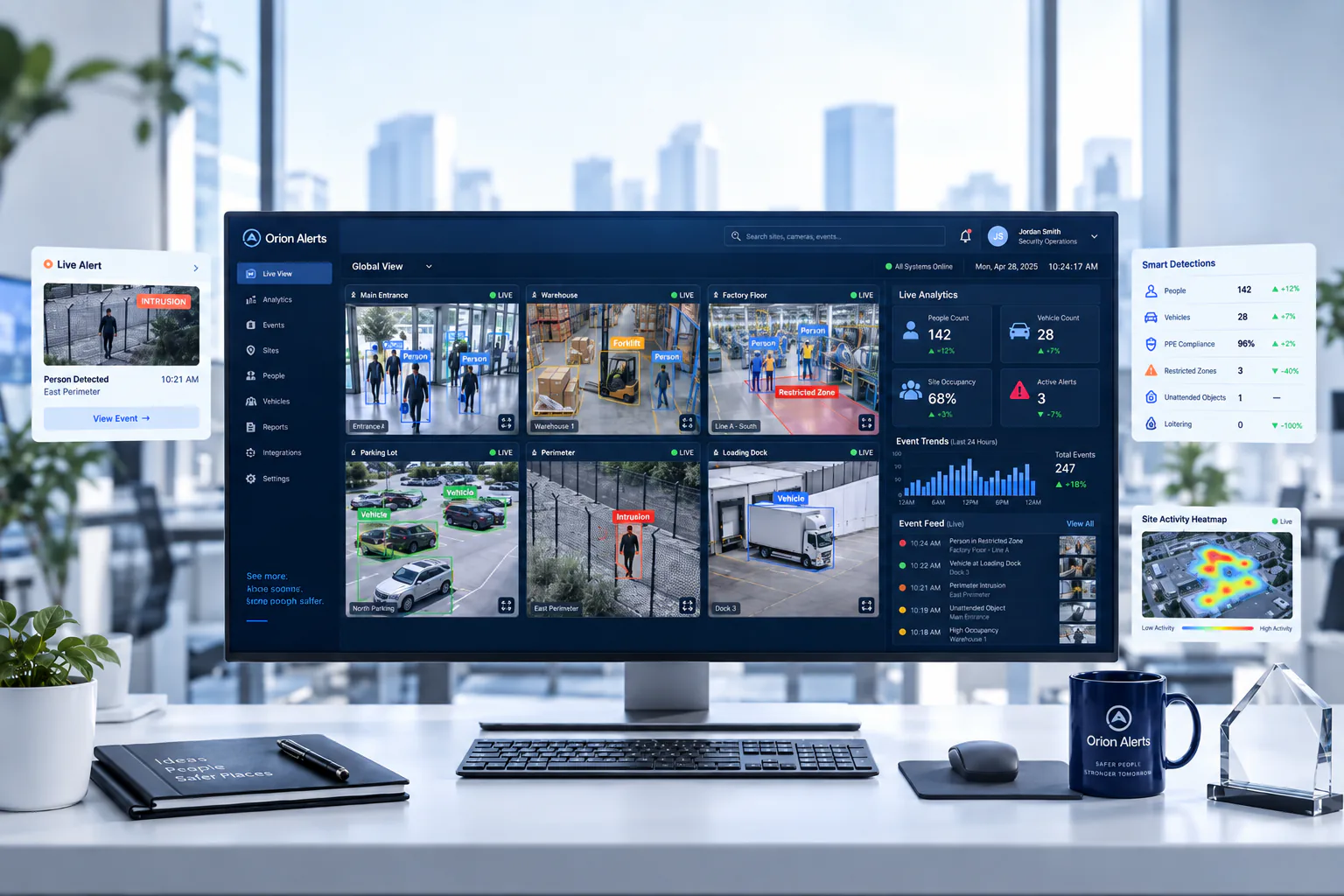
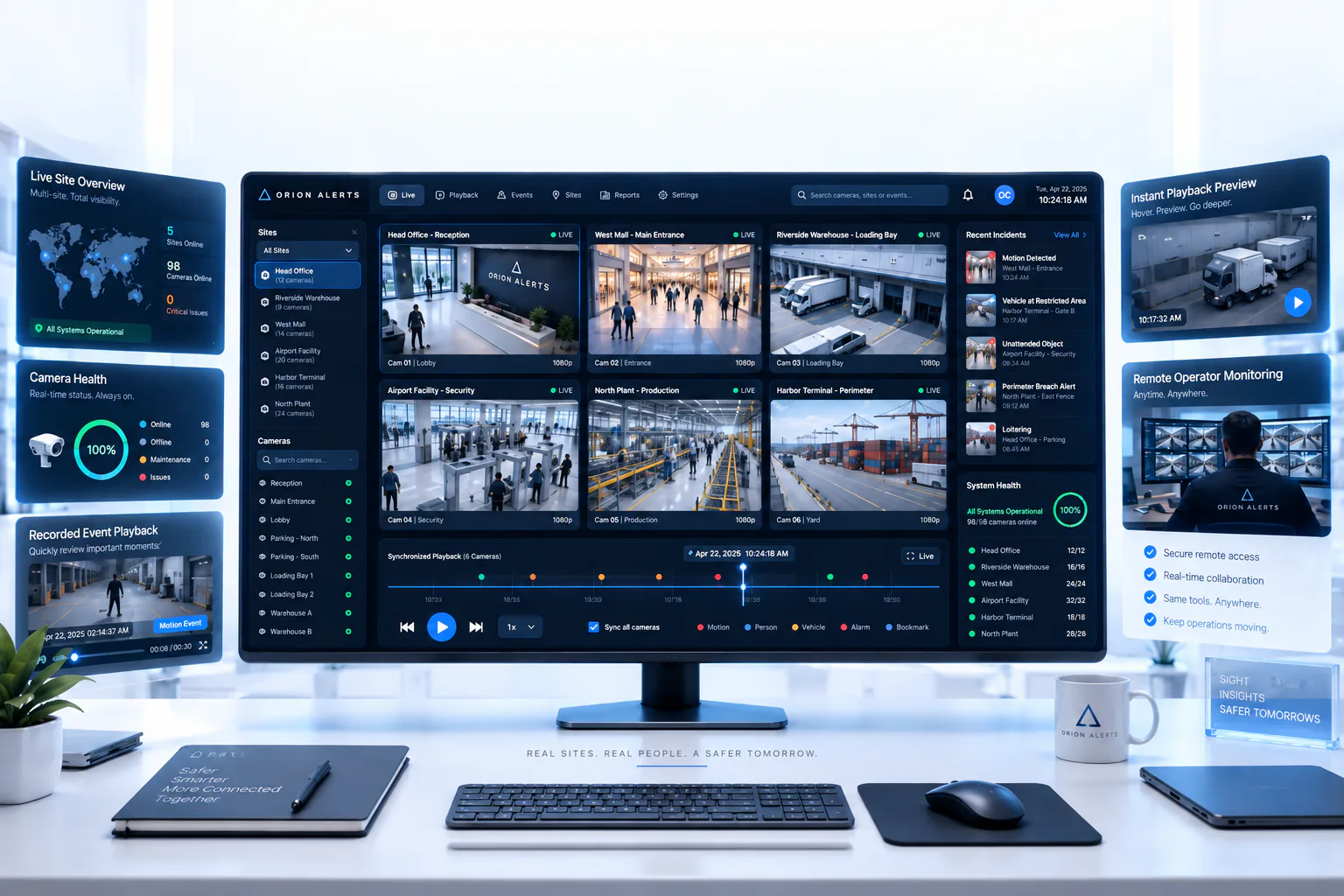
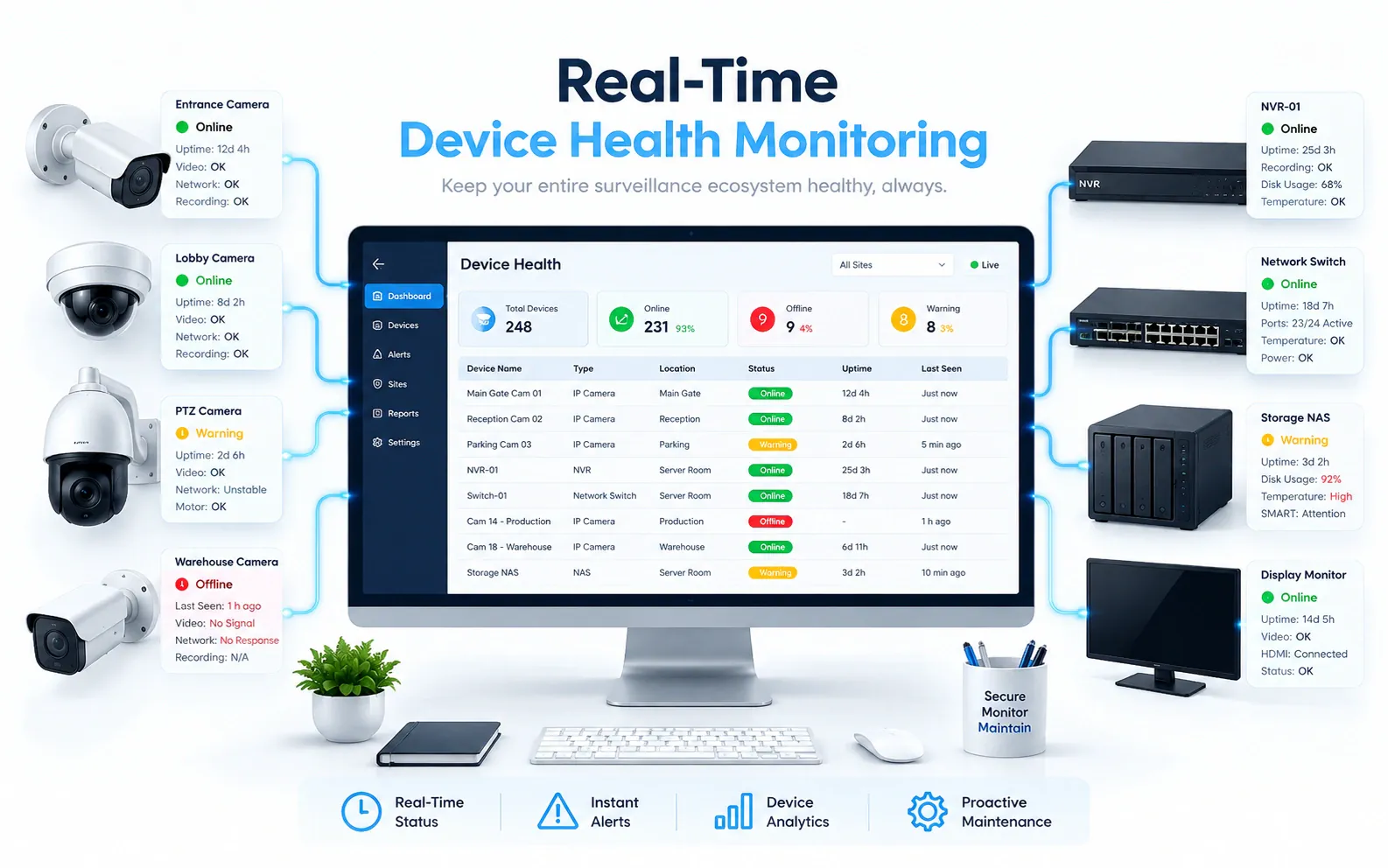
OrionAlerts solutions for dark stores
Dark Stores · Questions
AI video analytics for dark stores: common questions
What should CCTV cover in a dark store?
Cover the dispatch handoff point, the busiest picking aisles and any high-value or restricted stock area. These views show where orders queue, where staging blocks a walkway and when a stock room was entered, and alerts go to the store manager, who can act during the same peak.
How does video help resolve a disputed handoff?
The handoff camera is mapped to the dispatch area, so the store manager retrieves the clip for a specific time window instead of scrolling through a recorder. Where an order-management or dispatch system is available, review timestamps can be aligned with its handoff records to check the order in question.
Will this identify the wrong item in a bag?
Not from ordinary store CCTV. Checking items in a bag needs suitable close-up views, a trained model and a verified order or item data source, which would be scoped separately. Store cameras show the handoff itself, such as when an order was handed to a rider, which helps the manager review a disputed order.
Can managers compare individual pickers?
No. OrionAlerts looks at aisles, handoff areas and stockrooms rather than individual pickers' speed, and there is no worker productivity score. Managers use it to evaluate space, process exceptions such as blocked aisles, and how quickly the store responds to an alert, with scores comparing areas within the store.
How is this different from quick commerce?
Dark-store monitoring focuses on one facility: its aisles, stockroom and dispatch handoff, reviewed by the store manager. Quick commerce monitoring looks across a network of stores, with consistent event definitions, site-by-site comparisons and regional review. Running many dark stores? See the Quick Commerce page for network-level monitoring.
Can we use our existing CCTV cameras?
Yes, in most cases: OrionAlerts connects to compatible IP cameras and recorders through ONVIF, RTSP and vendor SDKs, so working hardware can usually stay in place. A short assessment checks camera position, image quality and network access for each use case, and confirms compatibility model by model before the pilot starts.
Where is the video stored, and who can see it?
On site: video and AI inference stay on the on-site node, while Orion Cloud syncs alerts, health status and configuration metadata for central management. Role-based access means each user sees only the sites, cameras and functions in their scope, and retention is set per camera, zone or site to follow your own policy.
Dark Stores · Further reading
Further reading for dark store teams
Dark Stores · Related
Industries related to dark stores
Ask Vision Copilot about your dark store.
Map one store's handoff point and busiest aisles, and see what the manager would review after a peak.