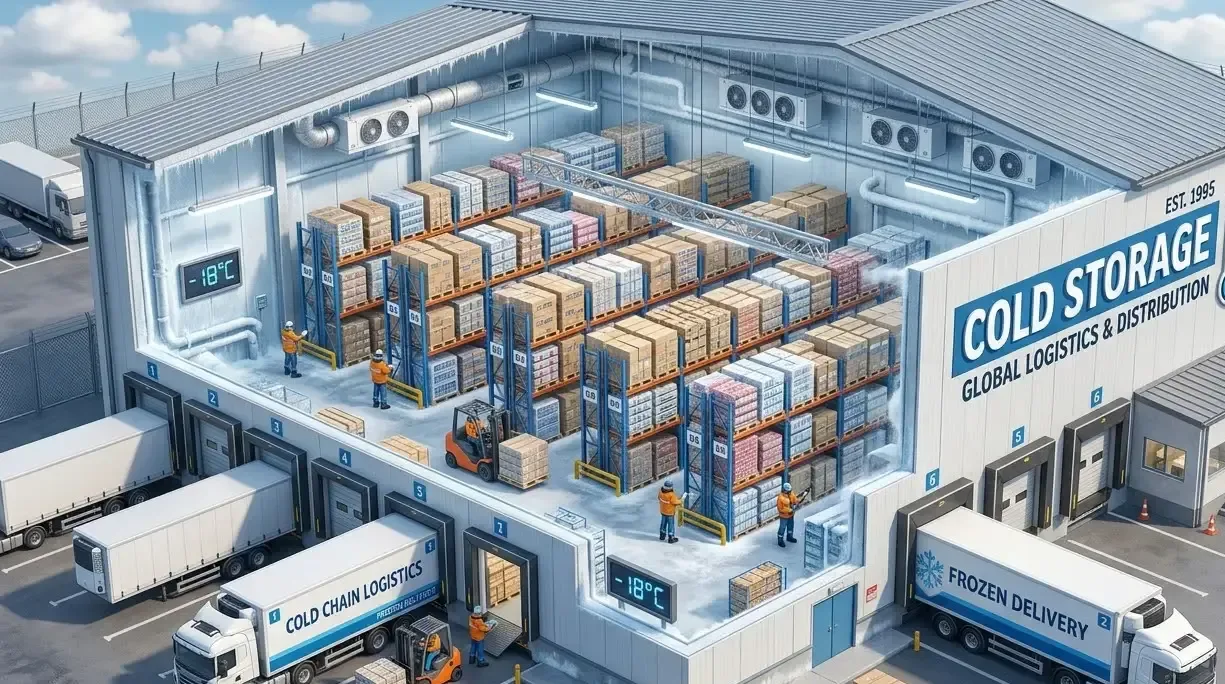
Cold Storage & Refrigerated Warehousing
AI Video Analytics for Cold Storage
Review chamber-door activity, loading periods and access around a cold-chain issue, and pull the right clip fast when a temperature excursion is investigated. Pair the footage with calibrated sensor records for the full picture.
Built for: Cold-chain operations · QA · Refrigeration engineering · Warehouse and EHS teams
Understand activity around an excursion without guessing its cause.
When a cold-chain issue occurs, teams need to know whether a door was open, loading took longer than expected or access activity changed. Video answers those contextual questions when the scene is visible and timestamps align with sensor data. Product temperature and cold-chain integrity are established by calibrated instruments and the applicable quality assessment.
Cold Storage · Use cases
Use cases for cold storage facilities
Start from Chamber Entry 2
Cameras map to cold zones, chamber entries and loading interfaces, so an excursion review begins at the right door.
Search a chamber entry by loading period
Ask Vision Copilot, “Show observations at Chamber Entry 2 during yesterday's loading period,” to see door and loading activity in that window.
See where door openings recur
Ask where visible door-opening observations recur, then compare them with the busiest loading periods.
Review loading and doorway practice
Ask what loading or doorway practices the cold-store team should review. A typical suggestion is to revisit the loading sequence and check calibrated sensor records before attributing any temperature effect.
Score door and access activity
0–100 scores cover observed door and access activity in comparable periods, giving QA a structured view of where to look first.
Cold Storage · Vision Copilot
Ask about your cold store in plain language
Type a question in everyday language and Vision Copilot searches the observations from your mapped cameras for that place and time.
Questions to try
- What loading or doorway practices should the cold-store team review?Example answer shown
- Show observations at Chamber Entry 2 during yesterday's loading period.
- Where did visible door-opening observations recur?
Question
What loading or doorway practices should the cold-store team review?
Location
Cold-Store Site → Warehouse Building → Ground Level → Cold Zone → Chamber Entry
Answer
Repeated visible door-opening observations align with busy loading periods in the available scene record. Suggested next step: review loading sequence and doorway practices; check calibrated sensor records before attributing temperature effects.
Decision owner
Cold-store operations / QA
Cold Storage · Location map
Your cold store, mapped
Cameras are mapped to the selected chamber entry or loading interface so questions about Chamber Entry 2 start from recognisable operational context.
Site
Cold-Store Site
Building
Warehouse Building
Floor
Ground Level
Zone
Cold Zone
Room
Chamber Entry
Cold Storage · How it works
How OrionAlerts works for cold storage facilities
OrionAlerts maps each camera to a place, analyses its scenes over time, and sends alerts to the dashboard, mobile app and email for the team that owns that area.
- 01Map
- 02Observe
- 03Ask
- 04Prioritise
- 05Act
- 06Review
Cold Storage · Deployment
Preparing a cold store for a pilot
Check each camera's operating temperature range, condensation management, defrost conditions and enclosure suitability. Plan networking and maintenance access inside cold zones, and validate time alignment with any external sensors.
- Mapped hierarchy for pilot chamber entries and loading interfaces
- Cameras and enclosures suitable for cold-zone operating conditions
- Agreed response owners for door, access and loading events
- Time alignment checks with any external sensors used in investigations
Cold Storage · Standards
Standards context for cold storage facilities
Food storage follows Food Safety and Standards Authority of India (FSSAI) requirements and pharmaceutical storage follows good manufacturing practice (GMP) obligations, depending on the goods held. Door and access footage aligned with sensor timestamps gives QA context for its own excursion investigations.
FSSAI / food safety management context
FSSAI licensing and Schedule 4 expectations apply to applicable food businesses; ISO 22000 is a separate management-system route.
Official sourceRevised Schedule M / GMP record controls
Revised Schedule M sets GMP obligations for applicable manufacturers; Part 11 concerns electronic-record controls where that intended use applies.
Official source
Cold Storage · Pilot evaluation
What to measure in a cold store pilot
Compare reviewed alerts with what actually happened, including missed events and nuisance alerts, before you set a rollout target.
Door-event agreement with ground truth
Agreement between reviewed visible door-opening observations and an agreed ground-truth source such as a door sensor or labelled samples for the same window.
Source of truth: Door sensors where available and labelled review samples
Time to retrieve excursion-related footage
Time for an authorised reviewer to locate the correct chamber or loading clip from a defined starting input such as time window and entry point.
Source of truth: Timed investigation exercises
Usable recording availability in cold/defrost conditions
Share of required recording minutes with usable footage during representative cold and defrost conditions for the agreed cameras.
Source of truth: Device health and recording availability records
Cold Storage · Solutions
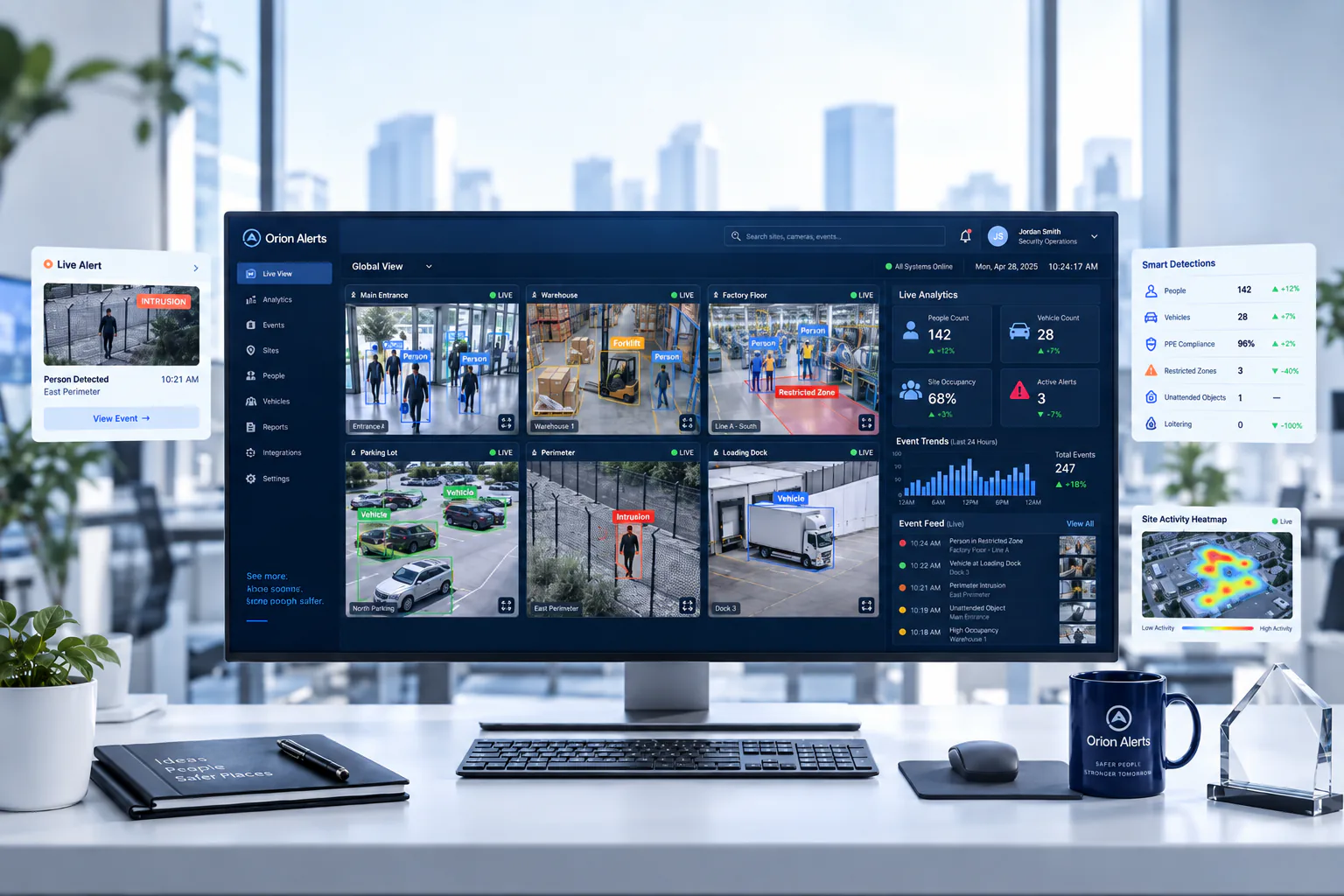
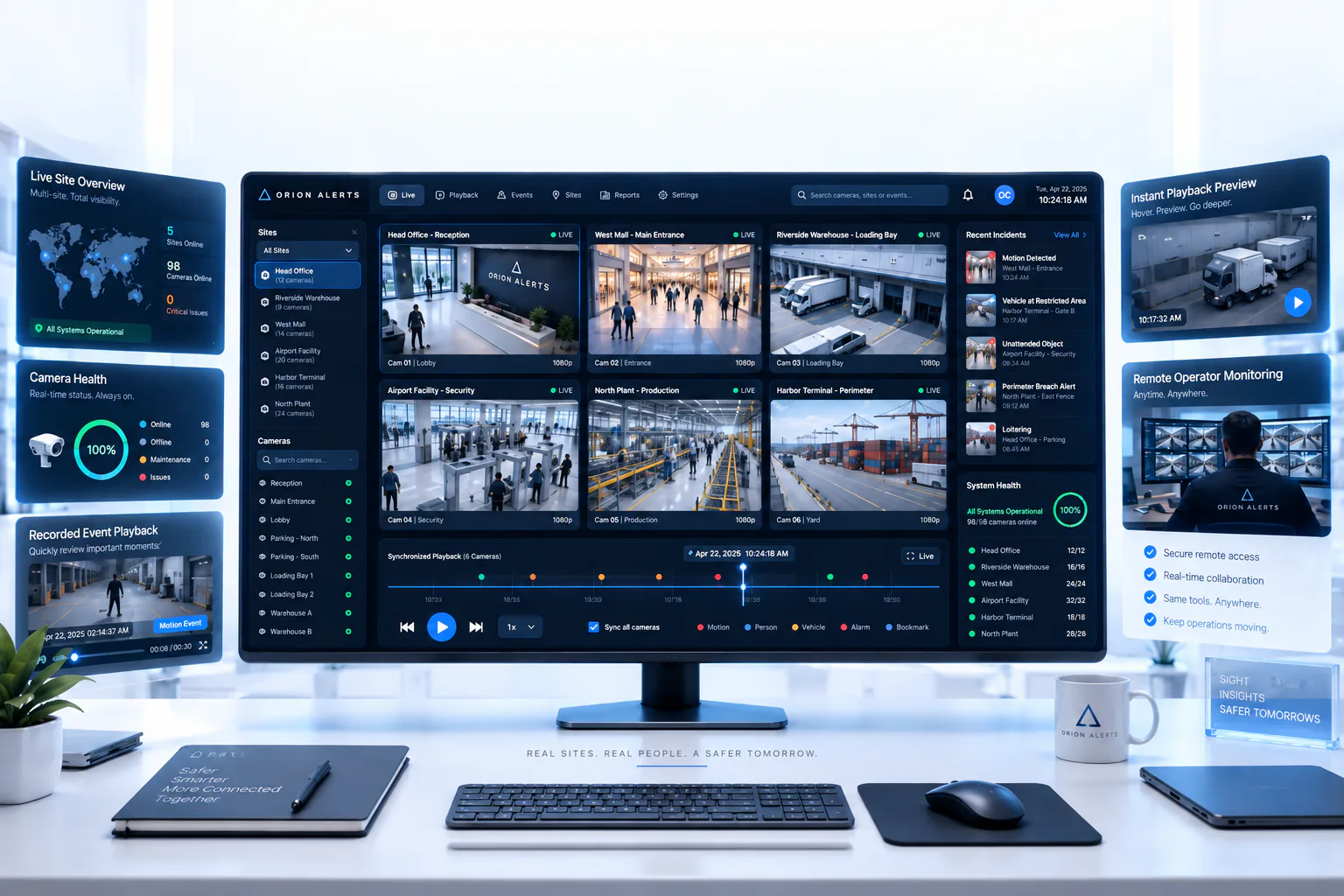
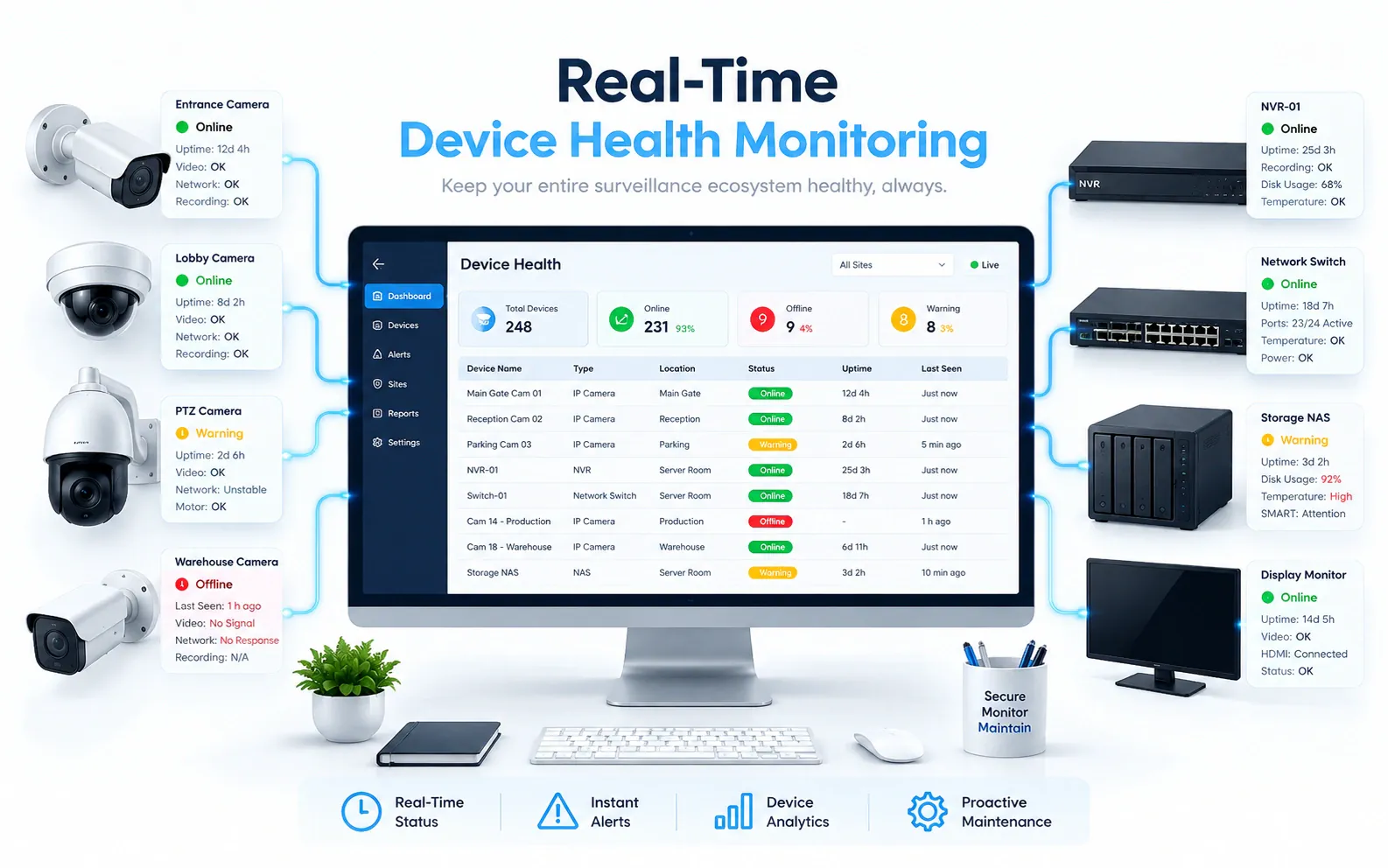
OrionAlerts solutions for cold storage facilities
Cold Storage · Questions
AI video analytics for cold storage facilities: common questions
Can CCTV help investigate a temperature excursion?
Yes, as context. Video can show when a chamber door stayed open, how long loading took and when people entered the cold zone around the time a sensor logged an excursion. It cannot measure product temperature, so pair the footage with calibrated sensor records.
Which cold-store areas should cameras cover first?
Chamber entries and loading interfaces, where door activity and loading duration matter most during an investigation. Choose cameras and enclosures rated for the cold-zone temperature, condensation and defrost conditions, and confirm time alignment with any external sensors before relying on the footage.
Can CCTV measure the temperature?
No. Temperature comes from calibrated instruments, and an ordinary CCTV camera cannot measure it. What the camera shows is door and loading activity around a chamber, which QA reads alongside sensor records. Specialist thermal camera systems exist, but they have their own limits and validation requirements and are scoped separately from this pilot.
Can an open-door alert prove spoilage?
No. An open-door alert shows exposure context: which door was open, for how long and during which loading period. Whether product was affected is decided from measured exposure, such as temperature records, and the applicable quality assessment, with the clip helping QA reconstruct what happened at the chamber entry.
Can existing cameras work inside a freezer?
Sometimes. It depends on whether each camera's environmental specifications and installation suit the chamber, so the exact model is checked against actual chamber temperatures, condensation and defrost cycles. Where an existing camera falls short, a cold-rated camera or enclosure is specified for that position, and recording availability is tested through cold and defrost conditions.
Can we use our existing CCTV cameras?
Yes, in most cases: OrionAlerts connects to compatible IP cameras and recorders through ONVIF, RTSP and vendor SDKs, so working hardware can usually stay in place. A short assessment checks camera position, image quality and network access for each use case, and confirms compatibility model by model before the pilot starts.
Where is the video stored, and who can see it?
On site: video and AI inference stay on the on-site node, while Orion Cloud syncs alerts, health status and configuration metadata for central management. Role-based access means each user sees only the sites, cameras and functions in their scope, and retention is set per camera, zone or site to follow your own policy.
Cold Storage · Further reading
Further reading for cold store teams
Cold Storage · Related
Industries related to cold storage facilities



Ask Vision Copilot about your cold store.
Start with two chamber entries and one loading bay, and see what an excursion review would look like.