E-commerce Fulfilment Centres
AI Video Analytics for Fulfilment Centres
Flag parcel build-up at packing stations and sortation transfers, and retrieve the right handoff clip quickly when a parcel is delayed or disputed. Alerts reach the sortation lead with the location and time.
Built for: Fulfilment centre operations · Sortation managers · Loss prevention · EHS and warehouse-system owners
Find the relevant handoff in a high-volume operation.
Fulfilment centres move goods through many stages, often across several operational systems. When a parcel is delayed or disputed, footage helps most when the right location and time can be found fast. Clear camera coverage at packing stations and transfer points, plus reliable correlation with warehouse management system (WMS) or scan records, makes each handoff easier to review.
E-commerce Fulfilment · Use cases
Use cases for fulfilment centres
Start from Sortation Transfer 2
Cameras map to sortation zones, packing areas and transfer points, so an investigation opens on the transfer point it concerns.
Search yesterday's peak at a transfer
Ask Vision Copilot, “Find observations around Sortation Transfer 2 during yesterday's peak,” and review just that window.
Find transfers that keep backing up
Ask which covered packing or transfer areas had repeated build-up to see where parcels accumulate during peak processing.
Review staging alongside WMS records
Ask for a summary of today's handoff issues. A typical suggestion is to review the local transfer and staging arrangement alongside WMS or line records.
Score parcel flow at each transfer
0–100 scores compare covered packing and transfer areas across matching periods, kept separate from order-accuracy or delivery service-level measures.
E-commerce Fulfilment · Vision Copilot
Ask about your fulfilment centre in plain language
Type a question in everyday language and Vision Copilot searches the observations from your mapped cameras for that place and time.
Questions to try
- Summarise the handoff issues for today's fulfilment review.Example answer shown
- Find observations around Sortation Transfer 2 during yesterday's peak.
- Which covered packing or transfer areas had repeated build-up?
Question
Summarise the handoff issues for today's fulfilment review.
Location
Fulfilment Site → Fulfilment Building → Processing Floor → Sortation Zone → Transfer Point
Answer
Visible build-up recurs at the same sortation transfer during peak processing. Suggested next step: review the local transfer and staging arrangement alongside WMS or line records where available.
Decision owner
Fulfilment operations / sortation lead
E-commerce Fulfilment · Location map
Your fulfilment centre, mapped
Cameras are mapped to the selected transfer point or packing area so questions about Sortation Transfer 2 start from recognisable operational context.
Site
Fulfilment Site
Building
Fulfilment Building
Floor
Processing Floor
Zone
Sortation Zone
Room
Transfer Point
E-commerce Fulfilment · How it works
How OrionAlerts works for fulfilment centres
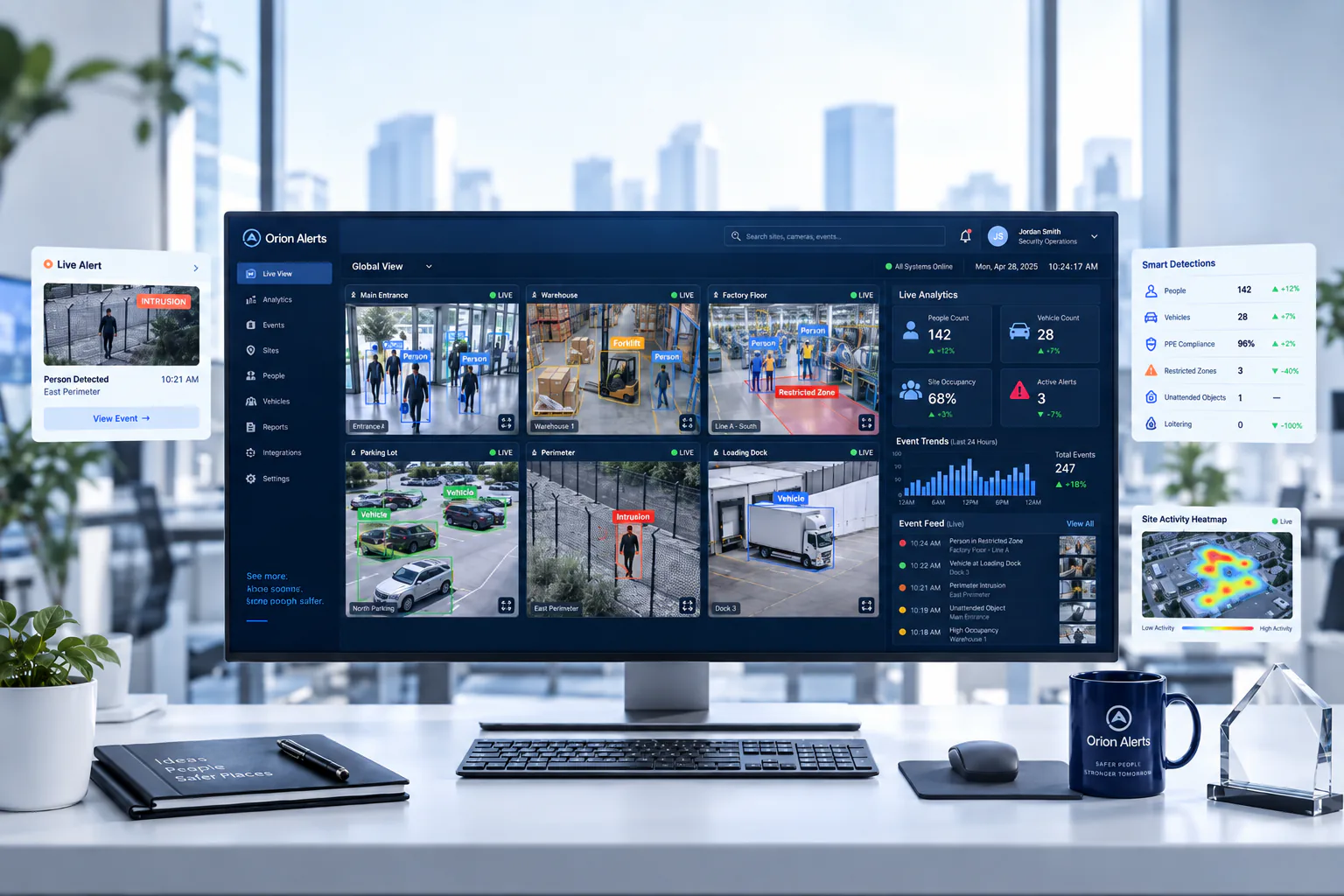
OrionAlerts maps each camera to a place, analyses its scenes over time, and sends alerts to the dashboard, mobile app and email for the team that owns that area.
- 01Map
- 02Observe
- 03Ask
- 04Prioritise
- 05Act
- 06Review
E-commerce Fulfilment · Deployment
Preparing a fulfilment centre for a pilot
Pilot camera views at one packing station and one transfer point, testing peak flow, parcel occlusion and label readability. Confirm the WMS or scan integration before parcel identifiers are used in reviews.
- Mapped hierarchy for pilot packing stations and transfer points
- Agreed response owners for accumulation, restricted-zone and route events
- Peak-flow testing including parcel occlusion and label readability
- Verified WMS/scan integration before parcel identifiers are used in reviews
E-commerce Fulfilment · Standards
Standards context for fulfilment centres
Fulfilment monitoring sits alongside premises safety, occupational safety management and data-privacy duties, and product-specific storage rules follow the goods handled. Time-and-location retrieval of handoff clips gives the site's own investigations the right footage.
National Building Code / premises and fire planning
Premises and fire-planning requirements apply at the building or site level under applicable codes and local rules.
Official sourceISO 45001
ISO 45001 is an occupational health and safety management-system standard for organisations.
Official sourceDigital Personal Data Protection Act / Rules
India's digital personal data protection framework governs purpose, access and retention for personal data, including video where applicable.
Official source
E-commerce Fulfilment · Pilot evaluation
What to measure in a fulfilment centre pilot
Compare reviewed alerts with what actually happened, including missed events and nuisance alerts, before you set a rollout target.
Successful retrieval of known handoff events
Share of defined handoff-review requests for which an authorised reviewer located the correct clip from an agreed starting input such as time window and transfer point.
Source of truth: Timed investigation exercises and operator review
Visible accumulation duration
Confirmed relevant build-up duration at selected transfer points during comparable peaks, using an agreed review rubric.
Source of truth: Sampled footage and operator review
Reviewed alert usefulness
Confirmed relevant alerts divided by reviewed alerts for the defined zones, using an agreed review rubric.
Source of truth: Sampled footage and operator review log
E-commerce Fulfilment · Solutions
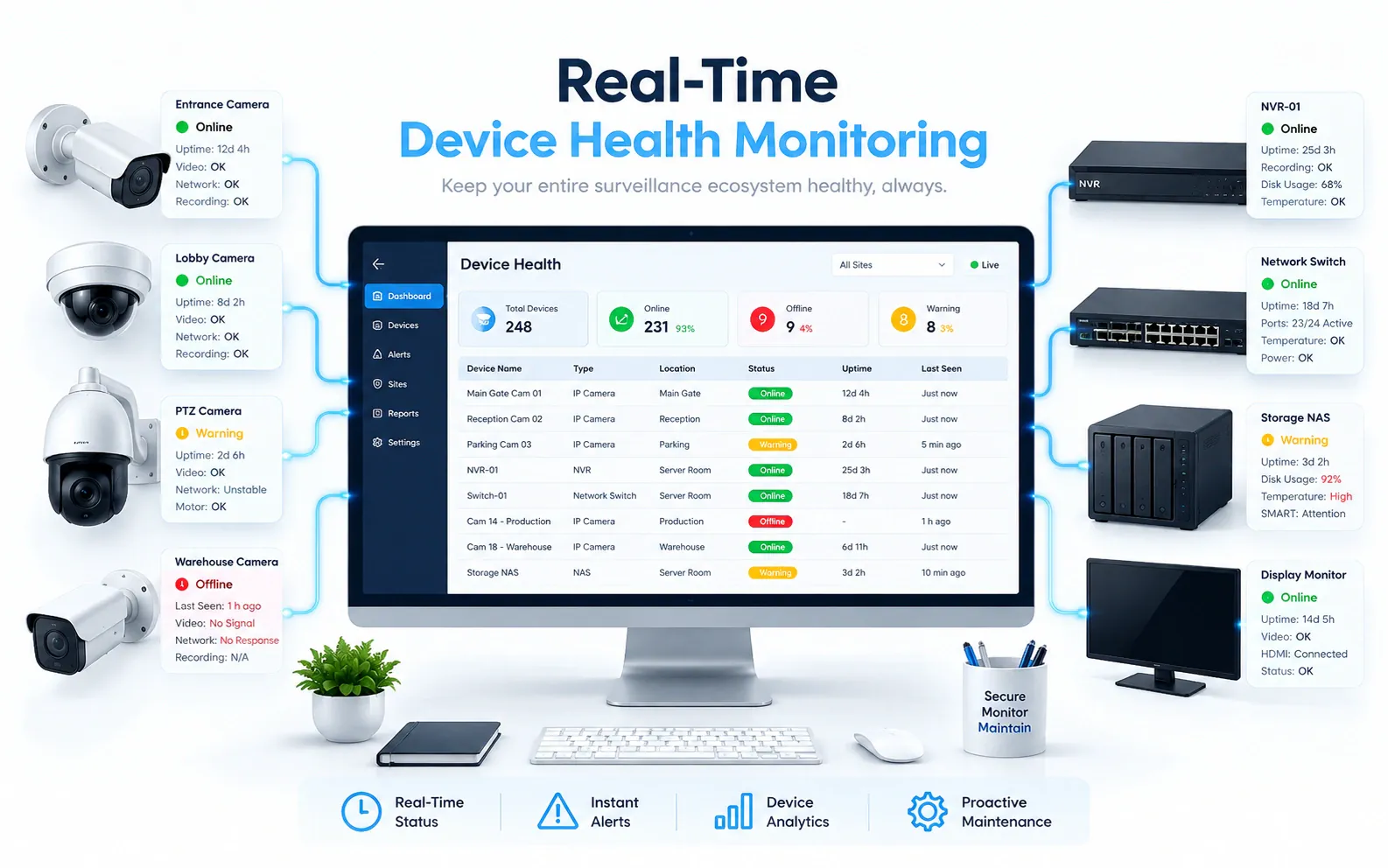
OrionAlerts solutions for fulfilment centres

E-commerce Fulfilment · Questions
AI video analytics for fulfilment centres: common questions
What can video analytics flag in a fulfilment centre?
It flags visible parcel build-up at packing stations and sortation transfers, entry into configured restricted zones and entry into designated equipment lanes. Each alert carries the camera, location and time, so the sortation lead can act during the peak and investigators can retrieve the handoff clip later.
How do teams find the right clip when a parcel is disputed?
Start from the transfer point and time window. Each camera is mapped to its sortation zone or packing area, so an authorised reviewer opens the right view directly. With a verified WMS or scan integration, parcel identifiers can narrow the search further.
Can a parcel ID open the matching clip?
Only with a verified integration: if your WMS or scan system can supply a verified parcel identifier with a time and location, that record can point a reviewer to the matching transfer-point clip. The integration is scoped and tested before parcel identifiers are used in reviews; until then, search starts from the transfer point and time window.
Can this detect every packing error?
No. Wide-angle surveillance shows the visible process events around each packing station, such as build-up, handoffs and entry into restricted zones. Item- and order-level checks come from dedicated inspection and order data, which teams review alongside the footage when a packing error is investigated.
What should be piloted first?
Choose one repeatable handoff with good visibility and an available ground-truth record, such as one packing station and one sortation transfer. Then test two things: how quickly an authorised reviewer retrieves the right clip for a known handoff, and what share of build-up alerts the sortation lead confirms as useful.
Can we use our existing CCTV cameras?
Yes, in most cases: OrionAlerts connects to compatible IP cameras and recorders through ONVIF, RTSP and vendor SDKs, so working hardware can usually stay in place. A short assessment checks camera position, image quality and network access for each use case, and confirms compatibility model by model before the pilot starts.
Where is the video stored, and who can see it?
On site: video and AI inference stay on the on-site node, while Orion Cloud syncs alerts, health status and configuration metadata for central management. Role-based access means each user sees only the sites, cameras and functions in their scope, and retention is set per camera, zone or site to follow your own policy.
E-commerce Fulfilment · Further reading
Further reading for fulfilment centre teams
E-commerce Fulfilment · Related
Industries related to fulfilment centres



Ask Vision Copilot about your fulfilment centre.
Pick one packing station and one transfer point, and test how quickly a disputed handoff can be found.