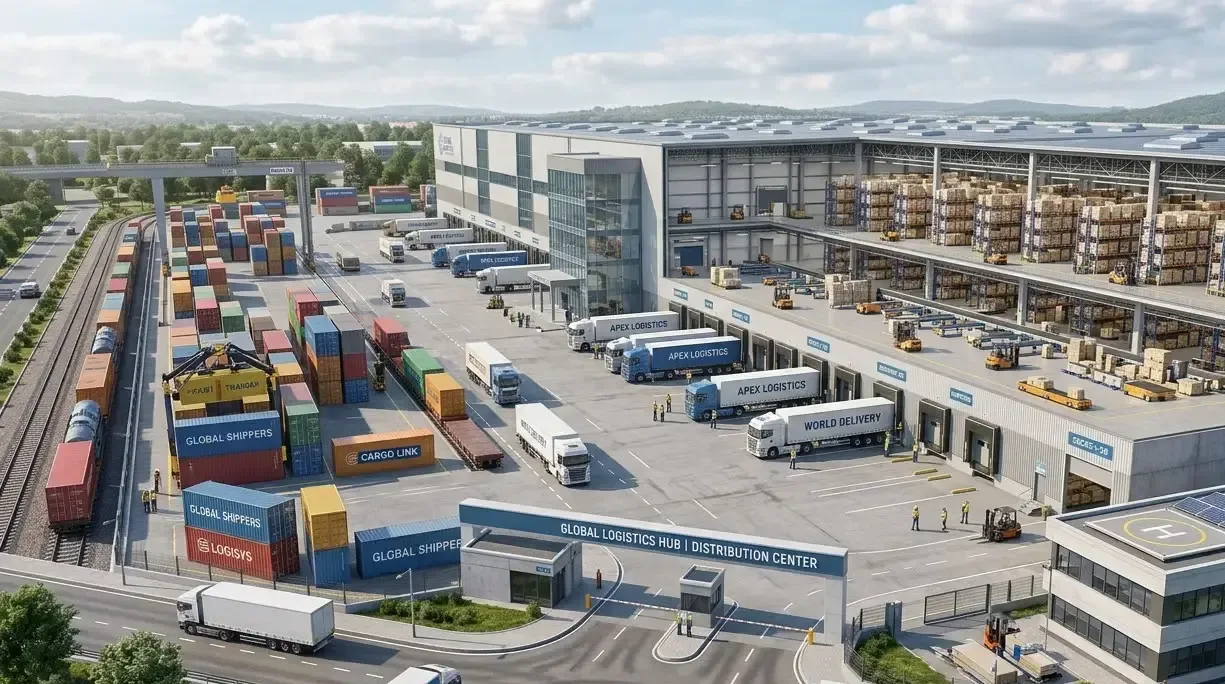
Logistics & Warehousing
AI Video Analytics for Warehouses & Logistics
Flag pedestrians in forklift lanes, blocked cross-aisles and dock dwell from the warehouse cameras you already run. Ask Vision Copilot what happened at Dock 4 last night, and send route alerts to the shift lead who can act.
Built for: Warehouse heads · 3PL operations · EHS · Transport and security
Focus on the interfaces where warehouse activity converges.
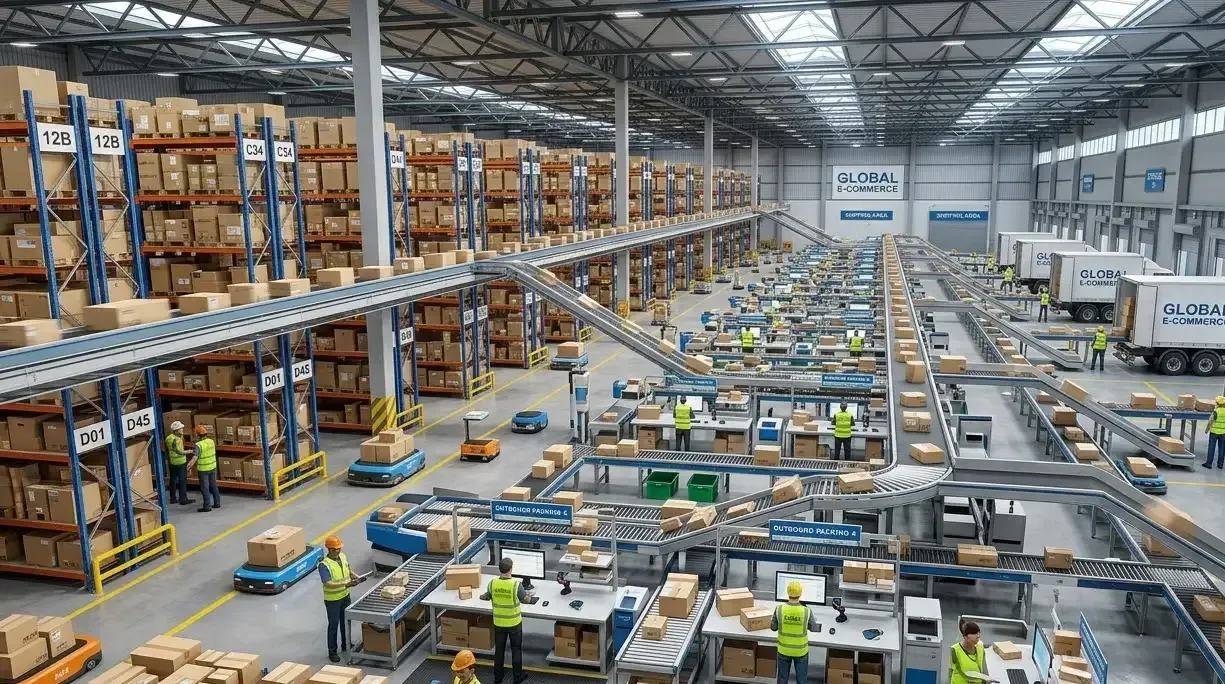
Forklifts, pedestrians and goods converge around docks and cross-aisles, and shift peaks make manual observation difficult. Camera observations help the shift lead intervene at a crossing and help investigators find the right dock clip, alongside the site's physical safety measures.
A reference deployment covers docks, cross-aisles and staging lanes, usually over Power over Ethernet (PoE) cabling or wireless links sized for a large floor plate. Retention matches the window claims and incident investigations typically need, and route and dock alerts go to the shift lead who can act immediately rather than a back-office queue. Where a warehouse management system (WMS) is in use, align review timestamps with its dock-scheduling records so video and dock data tell one story.
Logistics · Use cases
Use cases for warehouses
Start from Dock 4, not a camera ID
Cameras map to dispatch zones, docks and cross-aisles, so a question about Dock 4 opens the views that actually cover it.
Search a dock's evening dispatch
Ask Vision Copilot, “Find observations from Dock 4 during the evening dispatch period,” and jump to the clips for that window.
Find cross-aisles that keep getting blocked
Ask which cross-aisles had repeated obstruction observations this week to see where pallet staging spills into marked routes.
Rethink staging and dispatch timing
Ask what layout or scheduling changes the warehouse manager should assess. A typical suggestion is to move pallet staging or shift dispatch timing, then check a comparable operating period.
Score routes, docks and storage areas
0–100 scores cover shared-route practices, dock-area flow and storage-area orderliness across warehouse zones and shifts.
Logistics · Vision Copilot
Ask about your warehouse in plain language
Type a question in everyday language and Vision Copilot searches the observations from your mapped cameras for that place and time.
Questions to try
- What layout or scheduling changes should the warehouse manager assess?Example answer shown
- Find observations from Dock 4 during the evening dispatch period.
- Which cross-aisles had repeated obstruction observations this week?
Question
What layout or scheduling changes should the warehouse manager assess?
Location
Warehouse Site → Warehouse Building → Ground Level → Dispatch Zone → Dock
Answer
A marked cross-aisle is repeatedly obstructed during dispatch staging. Suggested next step: review pallet staging locations and dispatch timing, then inspect observations from a comparable operating period.
Decision owner
Warehouse manager / shift lead
Logistics · Location map
Your warehouse, mapped
Cameras are mapped to the selected dock or cross-aisle so questions about Dock 4 start from recognisable operational context.
Site
Warehouse Site
Building
Warehouse Building
Floor
Ground Level
Zone
Dispatch Zone
Room
Dock
Logistics · How it works
How OrionAlerts works for warehouses
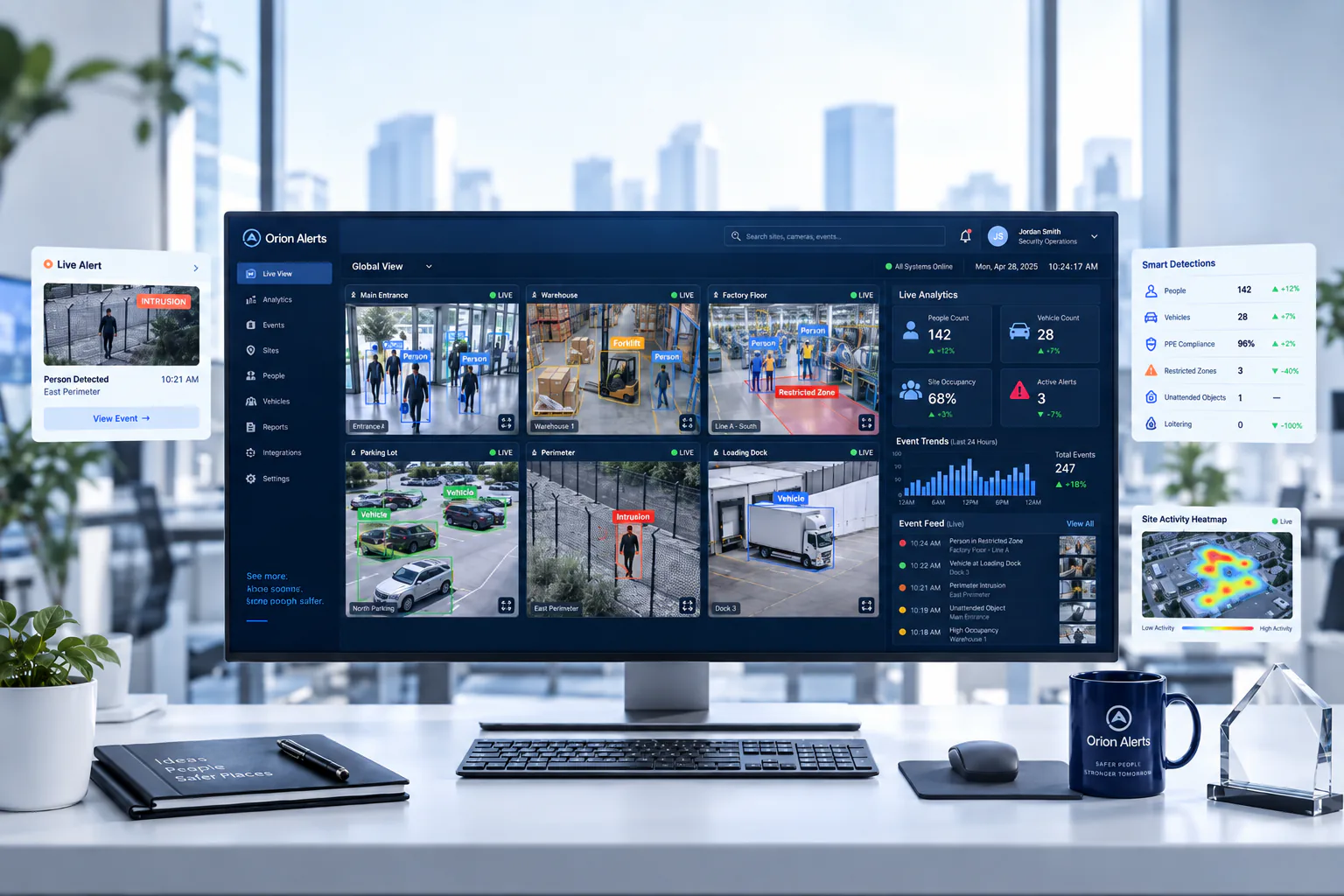
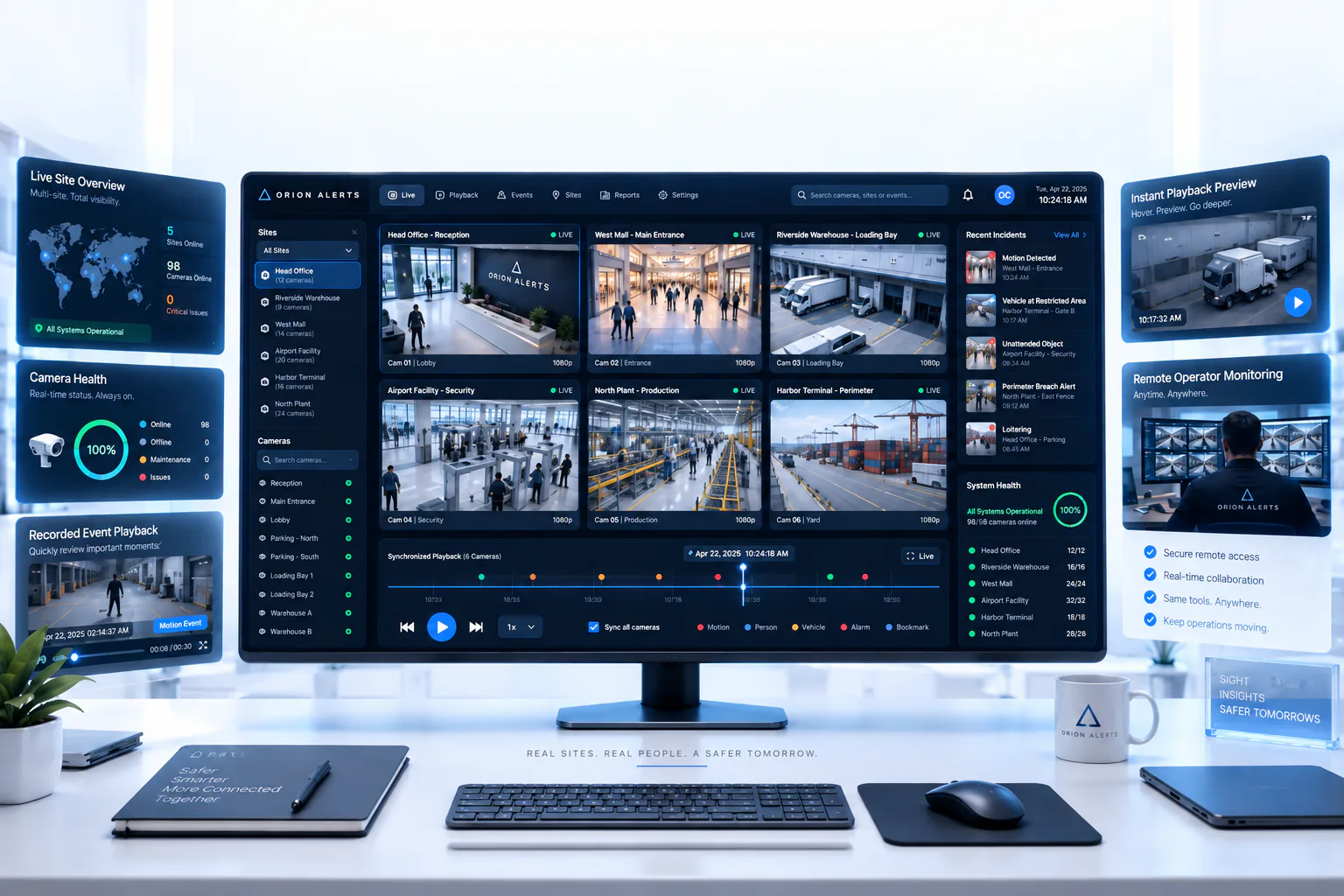
OrionAlerts maps each camera to a place, analyses its scenes over time, and sends alerts to the dashboard, mobile app and email for the team that owns that area.
- 01Map
- 02Observe
- 03Ask
- 04Prioritise
- 05Act
- 06Review
Logistics · Deployment
Preparing a warehouse for a pilot
Select stable dock and crossing views, then test peak traffic, tall loads, night operations and changing racking. Keep the first pilot on events with a clear supervisor response.
- Stable dock and crossing camera views
- Mapped hierarchy for pilot docks and cross-aisles
- Clear supervisor ownership for each alert type
- Physical segregation and vehicle controls retained on site
- Where available, timestamp alignment with the WMS dock-scheduling records used to investigate a specific dispatch window
Logistics · Standards
Standards context for warehouses
Warehouses plan around site fire and life-safety requirements and occupational safety management. Sites handling food or pharmaceuticals add the product and storage obligations for those goods. Route and dock observations can feed the site's own safety reviews.
National Building Code / premises and fire planning
Premises and fire-planning requirements apply at the building or site level under applicable codes and local rules.
Official sourceISO 45001
ISO 45001 is an occupational health and safety management-system standard for organisations.
Official source
Logistics · Pilot evaluation
What to measure in a warehouse pilot
Compare reviewed alerts with what actually happened, including missed events and nuisance alerts, before you set a rollout target.
Verified route/pathway exceptions
Confirmed relevant route or pathway exceptions divided by reviewed alerts for the defined zones, using an agreed review rubric.
Source of truth: Sampled footage and supervisor review log
Observed bay dwell
Camera-derived presence duration at selected bays compared with dock observations for the same window; report conditions and definition of start/end events.
Source of truth: Dock observations and timed bay samples
Known-incident retrieval time
Time for an authorised reviewer to locate the correct dock clip from a defined starting input such as time window and bay.
Source of truth: Timed investigation exercises
Logistics · Solutions
OrionAlerts solutions for warehouses
Logistics · Questions
AI video analytics for warehouses: common questions
Can AI cameras prevent forklift–pedestrian accidents?
Not on their own. They help by flagging pedestrians in configured forklift lanes, blocked cross-aisles and dock congestion, so the shift lead can step in. Start with two or three busy crossings and validate each view in the pilot. Physical segregation, speed controls, operator training and supervision remain the primary safety measures.
How does video analytics help with dock investigations?
Each dock camera is mapped to its bay, so an authorised reviewer can pull the right clip from a time window and bay number instead of searching a recorder. Where a WMS is in use, review timestamps can be aligned with its dock-scheduling records to investigate a specific dispatch window.
Which warehouse areas should we cover first?
Start with docks, cross-aisles where forklifts meet pedestrians, and staging lanes. These are the points where activity converges and where a clear view helps the shift lead act. Two or three busy crossings and one dock make a manageable first pilot, with a named supervisor owning each alert type.
Can cameras identify every SKU?
No. Item identity comes from scanning, labelling or a verified WMS integration, and general warehouse CCTV cannot read every SKU reliably. What the cameras show is where pallets, vehicles and people moved around docks and cross-aisles, which complements those records when a shipment or incident is investigated.
Can we use our existing CCTV cameras?
Yes, in most cases: OrionAlerts connects to compatible IP cameras and recorders through ONVIF, RTSP and vendor SDKs, so working hardware can usually stay in place. A short assessment checks camera position, image quality and network access for each use case, and confirms compatibility model by model before the pilot starts.
Where is the video stored, and who can see it?
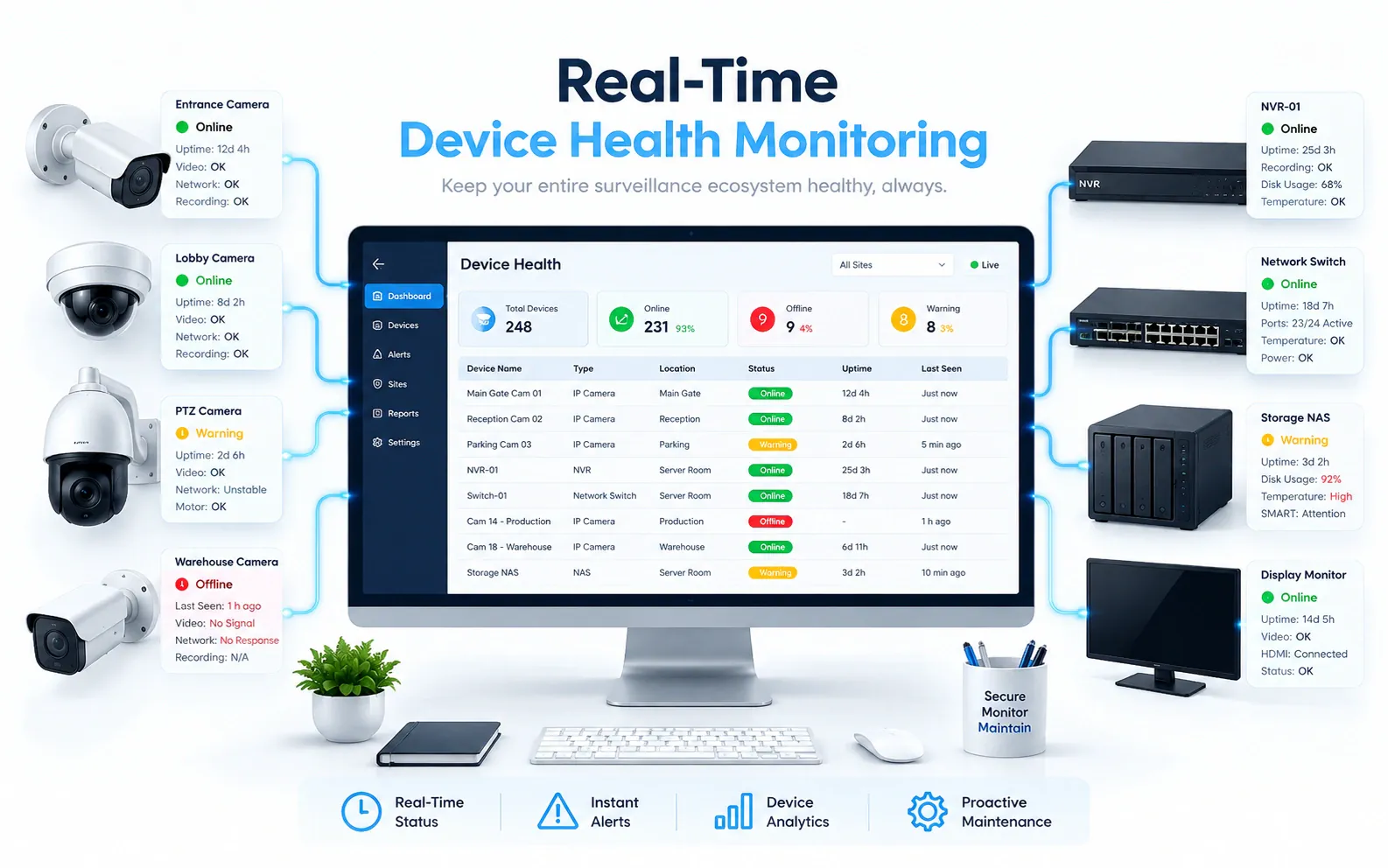
On site: video and AI inference stay on the on-site node, while Orion Cloud syncs alerts, health status and configuration metadata for central management. Role-based access means each user sees only the sites, cameras and functions in their scope, and retention is set per camera, zone or site to follow your own policy.
Logistics · Further reading
Further reading for warehouse teams
Logistics · Related
Industries related to warehouses



Ask Vision Copilot about your warehouse.
Choose two busy crossings and one dock for the pilot, and see what the shift lead would receive.