AI PPE Detection for Factories: How It Works and How to Roll It Out
How AI PPE detection works on factory CCTV, which PPE it can see reliably, what affects accuracy and a step-by-step rollout plan for plants.
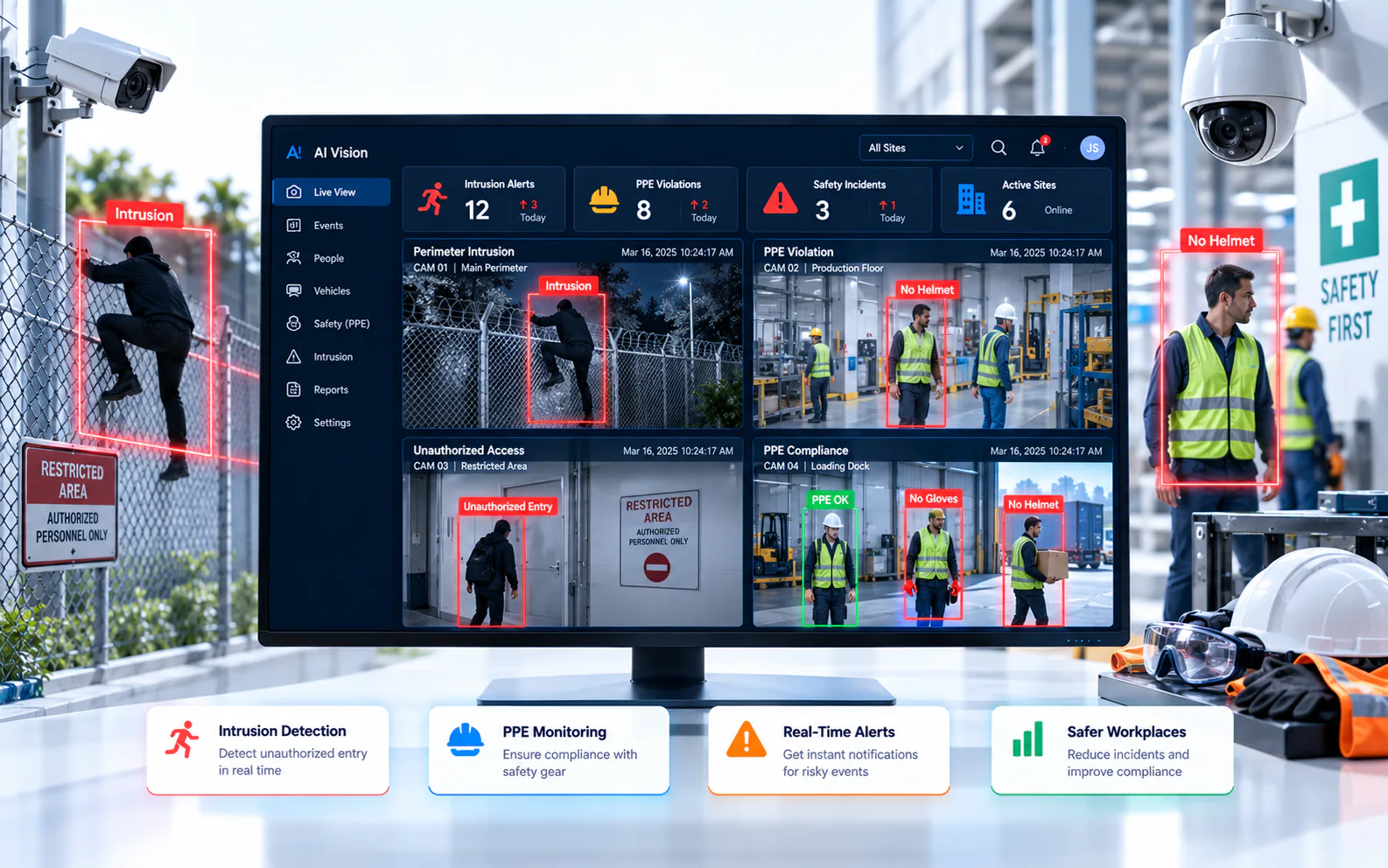
Key takeaways
- 01AI PPE detection finds people in a camera view, checks whether required items such as helmets and high-visibility vests are present and alerts when they are missing.
- 02Large, distinctive items are easier to detect than small ones like gloves, goggles or ear protection, which need closer camera views.
- 03Camera angle, distance, lighting, occlusion and look-alike clothing affect accuracy more than the model alone.
- 04Roll out zone by zone with EHS: define the PPE required per zone, pilot, tune, route alerts to supervisors and track trends by shift.
Short answer: AI PPE detection uses computer vision on CCTV streams to find each person in a defined zone, check whether the required protective equipment (such as a helmet or high-visibility vest) is visible and alert a supervisor when it is missing. It works on many existing factory cameras, but results depend on camera placement and on defining exactly which PPE each zone requires.
Every plant has PPE rules. The hard part is checking them consistently across every shift, entrance and production line. Supervisors cannot be everywhere, and spot checks only catch what happens while someone is looking. AI PPE detection gives EHS teams a continuous view of compliance, using cameras that are usually already installed.
What is AI PPE detection?
PPE detection is a video analytics use case that checks whether people in a camera view are wearing the personal protective equipment required in that area.
It is one form of safety compliance detection. Instead of recording footage for later review, the system evaluates live video and raises an alert, with a snapshot or short clip, when a rule is broken. It is typically used at entrances to production areas, in hazardous zones, on loading docks and on construction sites.
How does AI PPE detection work?
It works in a short chain of steps, each of which can be tuned for your site.
- 1Ingest the stream. The AI server reads the camera's video, usually over RTSP from the camera or recorder.
- 2Detect people. A model finds each person in the frame.
- 3Check PPE. A second step looks for the required items on or near each person, such as a helmet on the head or a vest on the torso.
- 4Apply the zone rule. The check only counts inside the zone where that PPE is required, and only during the hours the rule applies.
- 5Confirm persistence. Many systems require the violation to hold across several frames, which filters out momentary misses as people turn or pass behind machinery.
- 6Alert with evidence. The system sends an alert with an image or clip to the responsible supervisor, who verifies and acts.
Because the logic is "required PPE in this zone", not "PPE anywhere", the same camera can watch a walkway where helmets are optional and a production bay where they are mandatory.
Which PPE can AI detect reliably?
Large, distinctive items are the most reliable; small items need closer camera views and careful validation.
- Helmets and hard hats: usually the best starting point, because they are visible from most angles
- High-visibility vests and jackets: generally reliable, as long as other clothing is not similar in color
- Gloves, safety goggles, face shields, masks and ear protection: possible, but they are small in the frame and often hidden by hands, tools or head angle
- Safety shoes: difficult on typical overhead cameras, because feet are often out of view or occluded
Validate every item on your own footage. Helmets and vests vary in color and style between plants, contractors and visitors, and the model should be checked against what your workers actually wear.
What affects PPE detection accuracy?
Most accuracy problems come from the scene, not the model, so camera placement and zone design matter as much as the software.
- Distance and size in frame: the further away a person is, the fewer pixels describe their helmet or gloves
- Camera angle: steep overhead views hide faces and torsos; very low views are blocked by people and equipment
- Lighting: backlight from doorways, glare, low light and IR night images all reduce detail
- Occlusion: machinery, racks, vehicles and other workers can hide the PPE being checked
- Look-alike clothing: brightly colored uniforms or caps can be mistaken for vests or helmets
- Environment: dust, steam, smoke, rain and dirty lenses blur the image
- Crowding: dense groups at shift change make it harder to associate PPE with the right person
Treat accuracy as something you measure during a pilot on your own cameras, rather than a number on a datasheet.
Where should PPE rules apply in a factory?
Apply rules where the requirement is clear and the camera view is good, starting with the highest-risk areas.
Good first zones include the entrances to production halls, where everyone passes and can be checked consistently; hazardous areas such as furnaces, chemical stores, presses and high-voltage rooms; loading docks and yards with vehicle movement; and maintenance or construction areas within the plant. Combine PPE checks with restricted-zone monitoring where only trained staff should enter, and with fall detection or fire and smoke detection where those risks exist.
How do you roll out AI PPE detection?
Plan it with EHS and production, pilot it on a few zones and scale only once alerts are trusted.
- 1Define a PPE matrix. For each zone, list the required PPE, the hours and any exemptions, such as escorted visitors.
- 2Survey cameras. Check which existing cameras see each zone clearly; add or re-aim cameras only where needed. See how to add AI to existing CCTV cameras.
- 3Pilot two or three zones. Include day and night shifts and shift changes.
- 4Tune rules. Adjust zones, persistence and schedules with the supervisors who will receive alerts.
- 5Set routing. Send alerts to the zone's supervisor first, with escalation to EHS for repeated or serious cases.
- 6Communicate with the workforce. Explain what is monitored, why and how alerts are used, ideally as a coaching tool rather than only for discipline. Involve HR and your legal team on privacy questions.
- 7Scale and review. Extend the tuned policy to more zones and sites, and review trends monthly.
How do you measure success?
Look at trends and responses, not at a single compliance figure.
- Compliance trend by zone, shift and contractor
- Locations and times with repeated violations
- Share of alerts verified as genuine by supervisors
- Time from alert to supervisor response
- Changes after training, signage or layout improvements
How does OrionAlerts handle PPE detection?
OrionAlerts supports PPE and safety compliance detection as part of its AI video analytics, alongside intrusion, restricted-area entry, line crossing, crowd and occupancy, vehicle detection, fire and smoke, loitering and process compliance.
It checks for required PPE, such as hard hats and high-visibility vests, in designated zones and shifts on existing IP cameras connected through ONVIF, RTSP and vendor SDKs. Zone and schedule rules keep alerts in line with how each area operates, violations reach supervisors on the dashboard, the mobile app and email, and each event is kept for safety reviews and audits. In manufacturing, the same cameras can also watch restricted areas, machine zones and process workflows. The same approach applies in cement, metals and mining, pharma, construction and oil and gas. Keeping cameras working matters too; see CCTV camera health monitoring.
FAQs
Can AI PPE detection use our existing factory cameras?
Often, yes. Existing IP cameras can be used if their streams are accessible and they show the zone clearly enough. Analog cameras need a DVR or encoder that provides a network stream. A camera survey and pilot show which views work and where a camera should be re-aimed or added.
Does PPE detection identify individual workers?
PPE detection checks whether required equipment is present on a person in a zone; it does not need to identify who the person is. Any link to identity should be a separate, deliberate policy decision, agreed with HR and legal teams and explained to the workforce before rollout.
Which PPE should we start with?
Start with items that are both mandatory and clearly visible on your cameras, usually helmets and high-visibility vests, then add smaller items once those alerts are trusted. Production-hall entrances make a good first zone, because everyone passes at a similar distance from the camera and results are easy to judge.
What happens when the system raises a PPE alert?
The responsible supervisor receives the alert with an image or clip, verifies it and takes the agreed action, such as stopping work until PPE is worn. The response is recorded so trends can be reviewed later. Repeated alerts in the same zone or shift usually point to a training, supply or layout problem rather than to one person's behavior.
Keep reading
Related articles
AI Video Analytics · 26 Oct 2026 · 9 min read
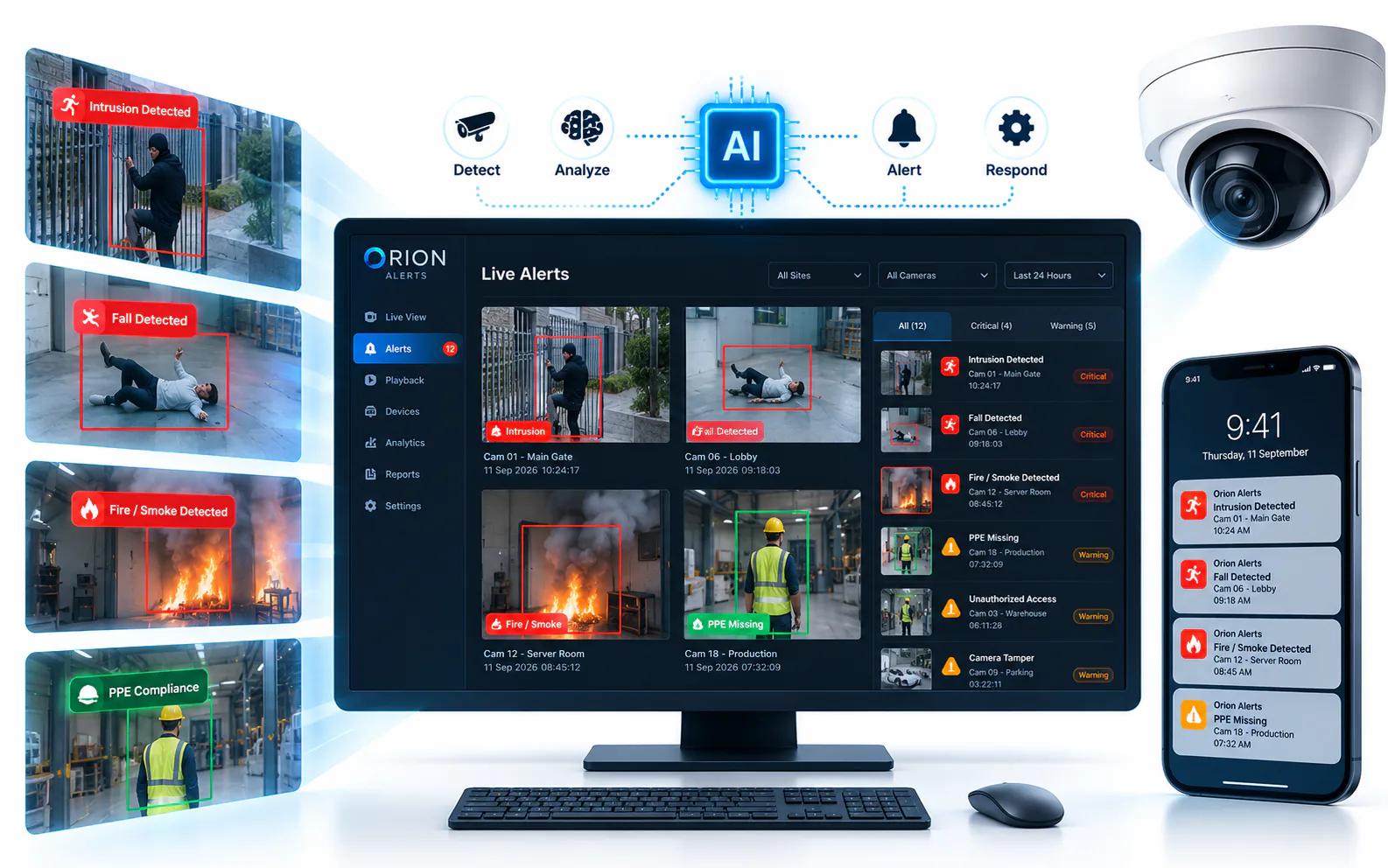
AI Video Analytics Buyer's Guide: How to Evaluate Vendors
How to evaluate AI video analytics vendors: existing-camera support, edge or cloud inference, data residency, multi-site control, pilots and support.
AI Video Analytics · 26 Oct 2026 · 8 min read
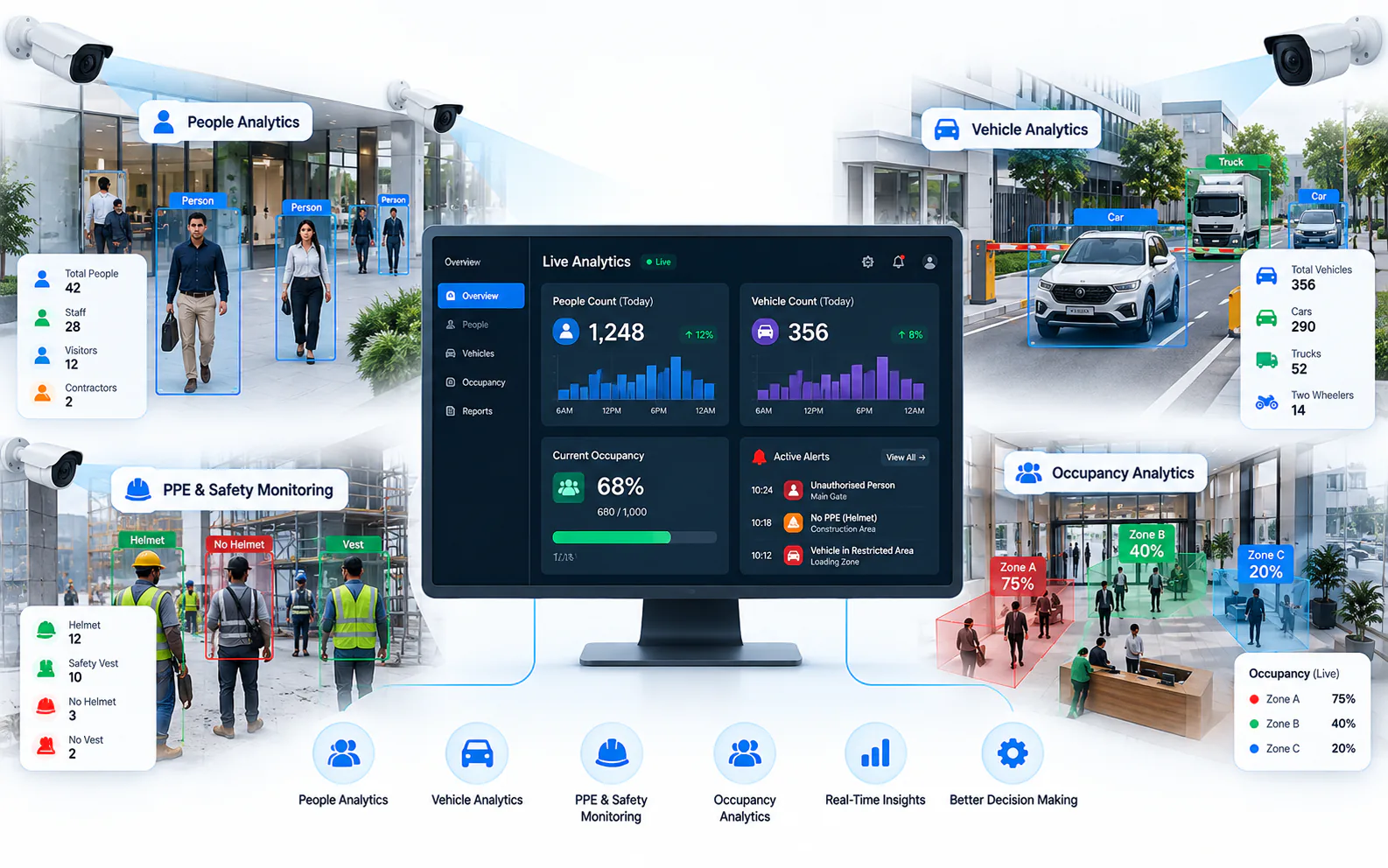
How to Add AI to Existing CCTV Cameras Without Replacing Them
Add AI video analytics to the CCTV cameras you already own: compatibility checks, ONVIF and RTSP, edge vs cloud processing and a pilot-first rollout.